Open or download the graph
Copy the native graph in Comfy Cloud, use the JSON file, or drag the PNG example onto a local ComfyUI canvas.
ComfyUI starter
Open the native Krea 2 Turbo graph directly in Comfy Cloud, or download the native and Dynamic Prompts versions for local ComfyUI. Both derive from Comfy-Org's official template.
Start with the part that defines the image, then move from the large composition to visible surface detail. The order below is short enough to edit without losing track of the variable you changed.
Copy the native graph in Comfy Cloud, use the JSON file, or drag the PNG example onto a local ComfyUI canvas.
Put the official diffusion model, text encoder, and VAE in their matching ComfyUI model folders.
The official Turbo subgraph already carries the sampler settings. Change the prompt, size, or seed.
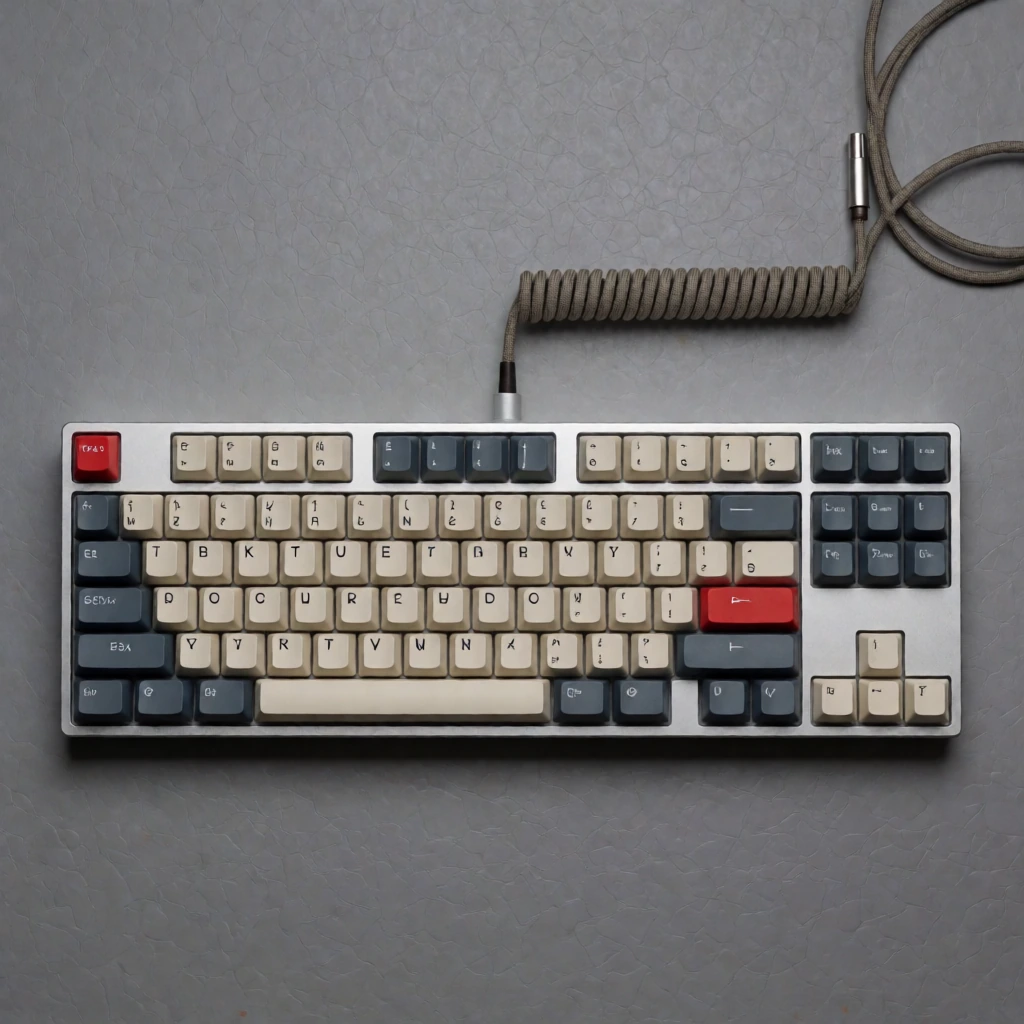
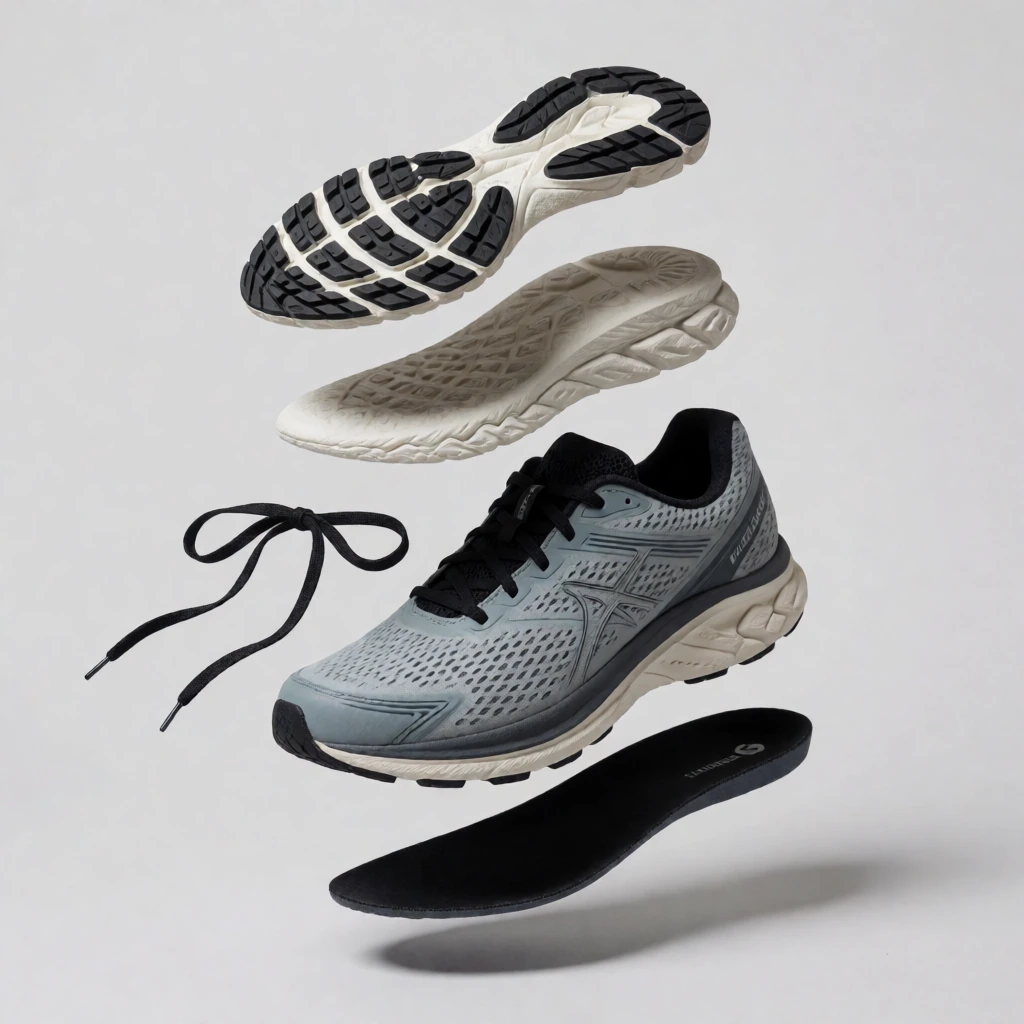
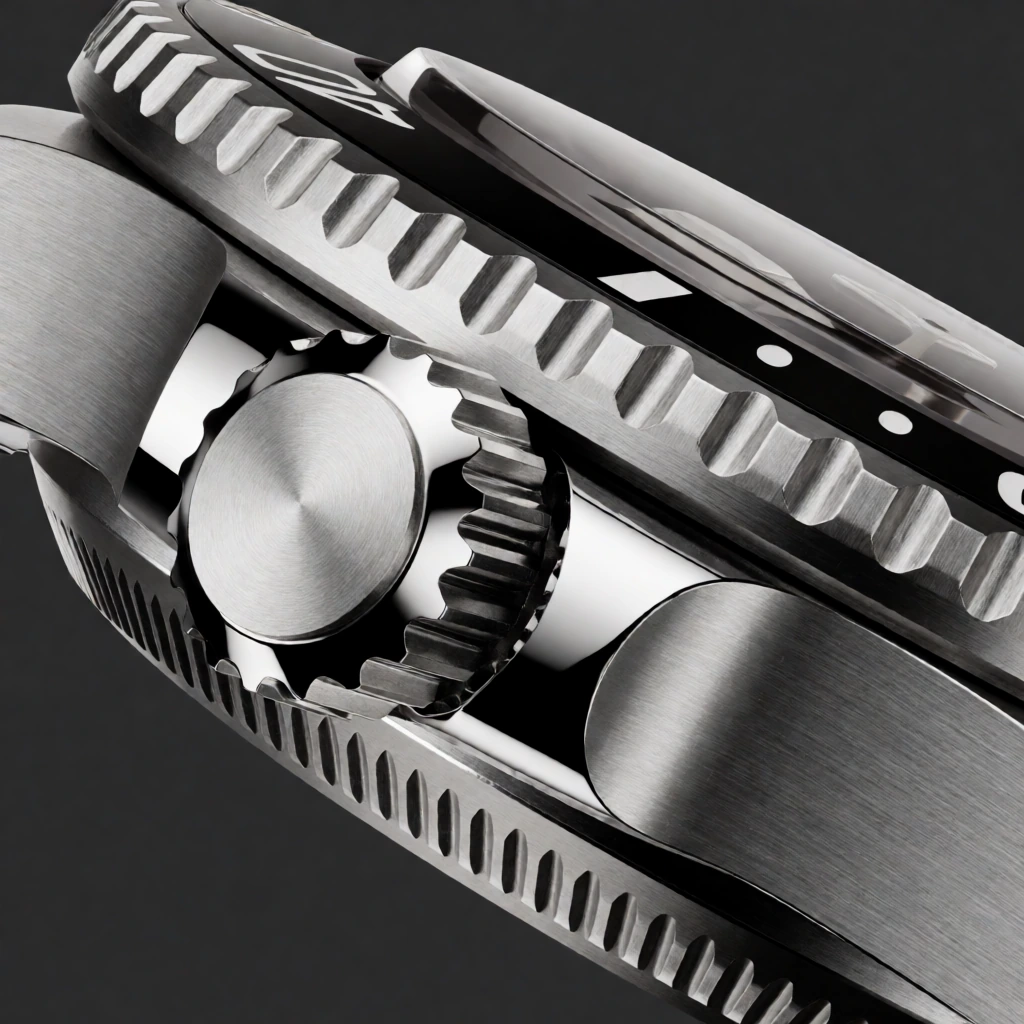
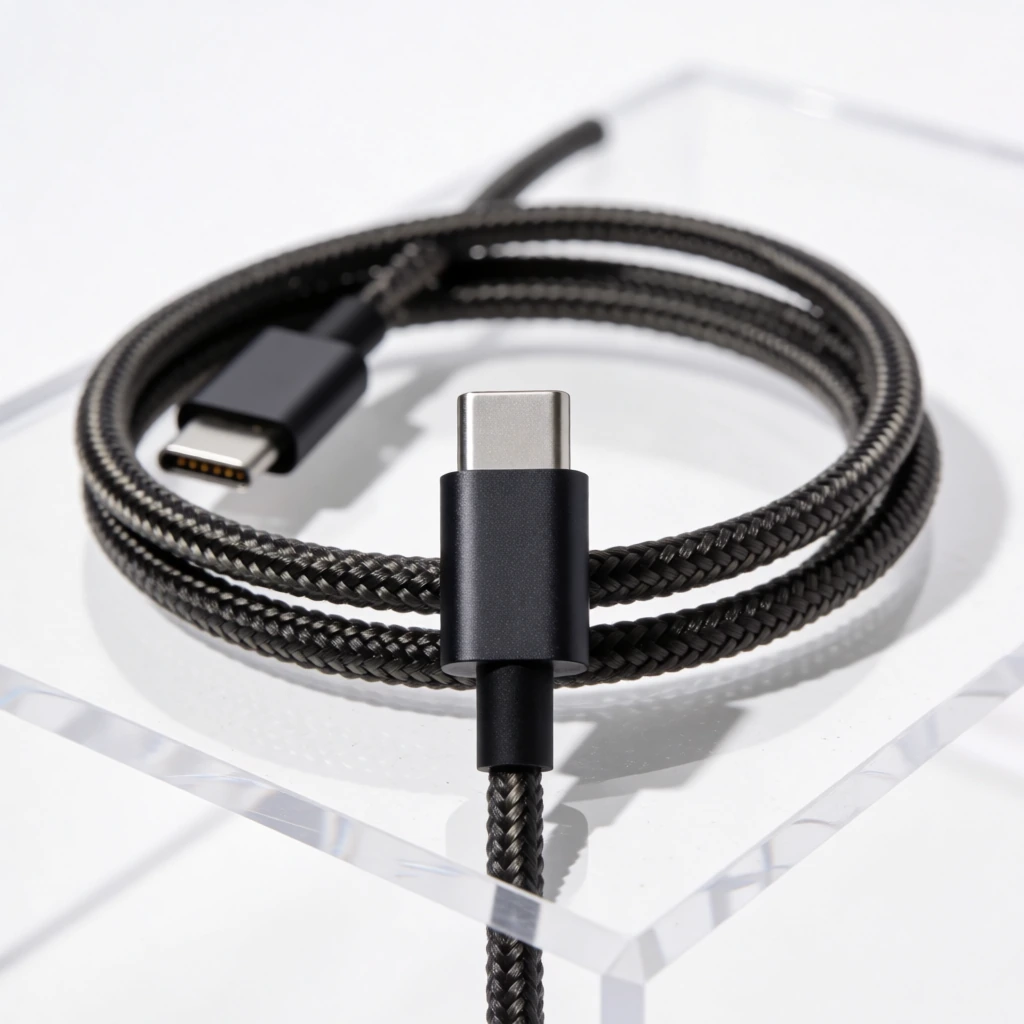
These are catalog entries with the exact prompt and generated output kept together. Copy a prompt, then change one clause at a time.





Open the native graph in Comfy Cloud, or download either starter for local ComfyUI.