Name one change
Relight, recolor, restyle, replace a material, or remove one distraction per edit.
Image editing recipes
Positive Krea 2 image editing recipes for relighting, recoloring, medium conversion, cleanup, material changes, and composition-safe variations.
Start with the part that defines the image, then move from the large composition to visible surface detail. The order below is short enough to edit without losing track of the variable you changed.
Relight, recolor, restyle, replace a material, or remove one distraction per edit.
Describe the new light direction, exact palette, surface response, or rendering medium.
List the geometry, subject identity, crop, perspective, and edges that must remain unchanged.
These are catalog entries with the exact prompt and generated output kept together. Copy a prompt, then change one clause at a time.
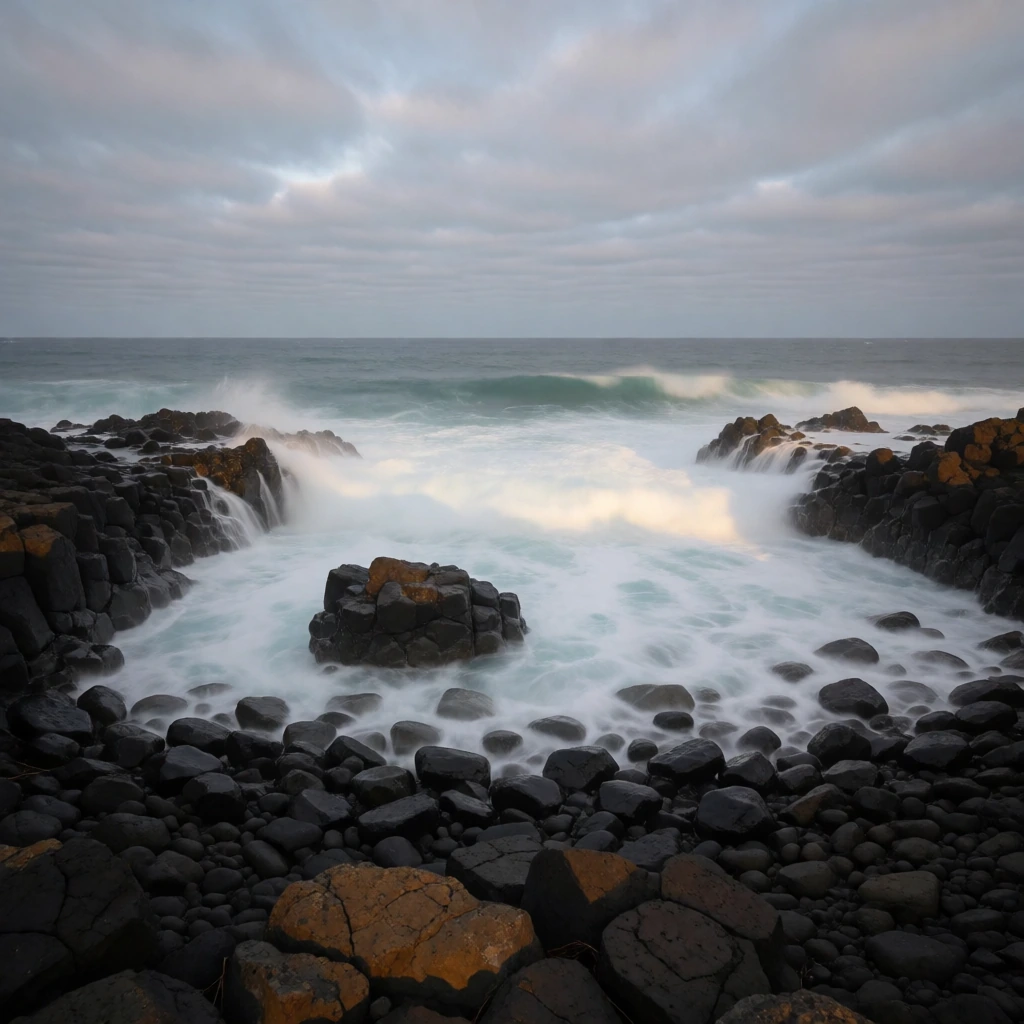
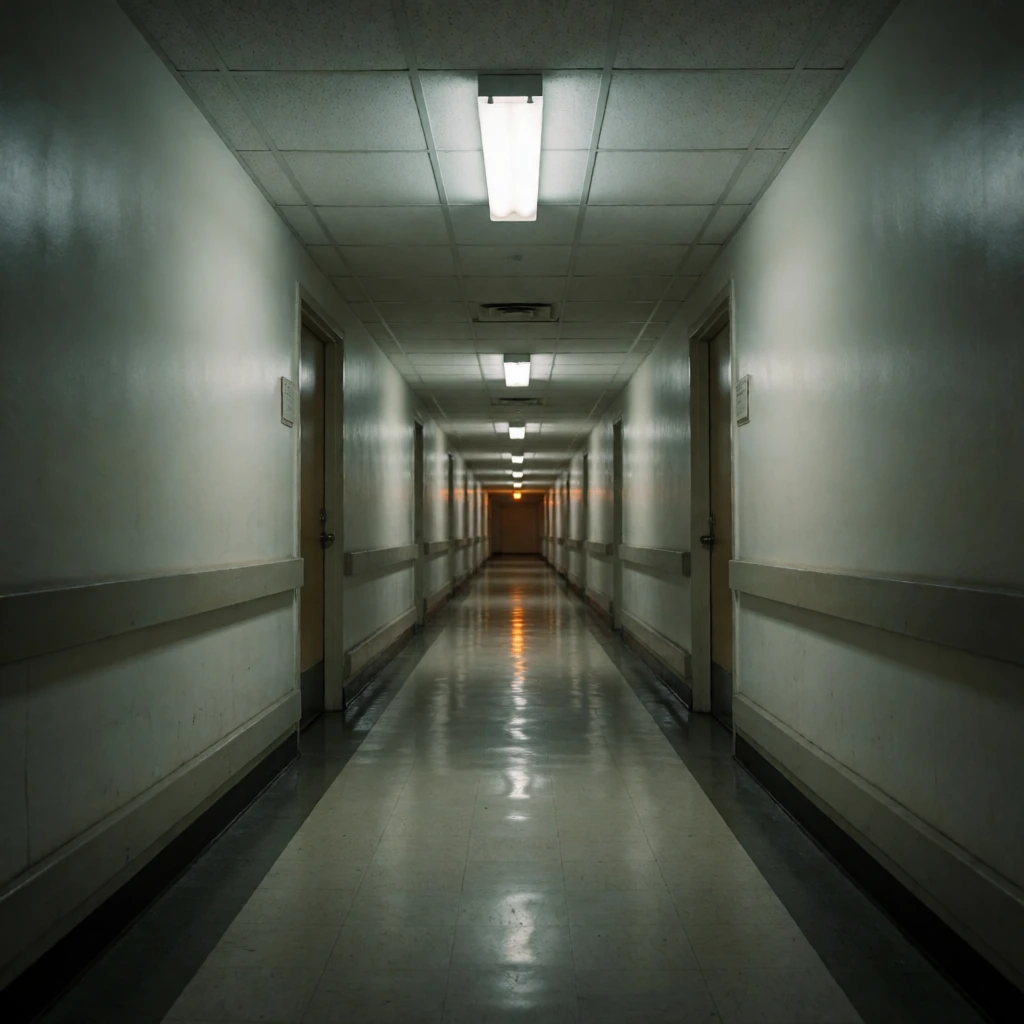
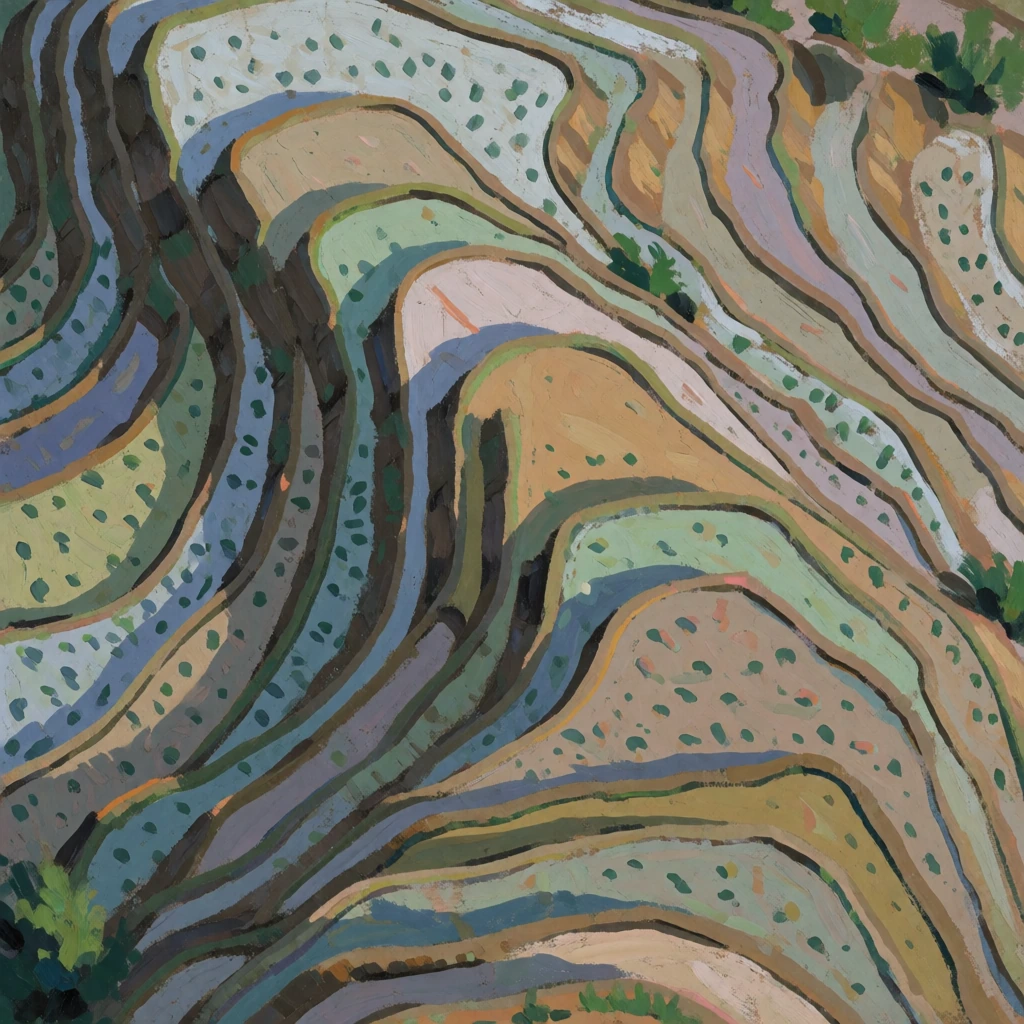
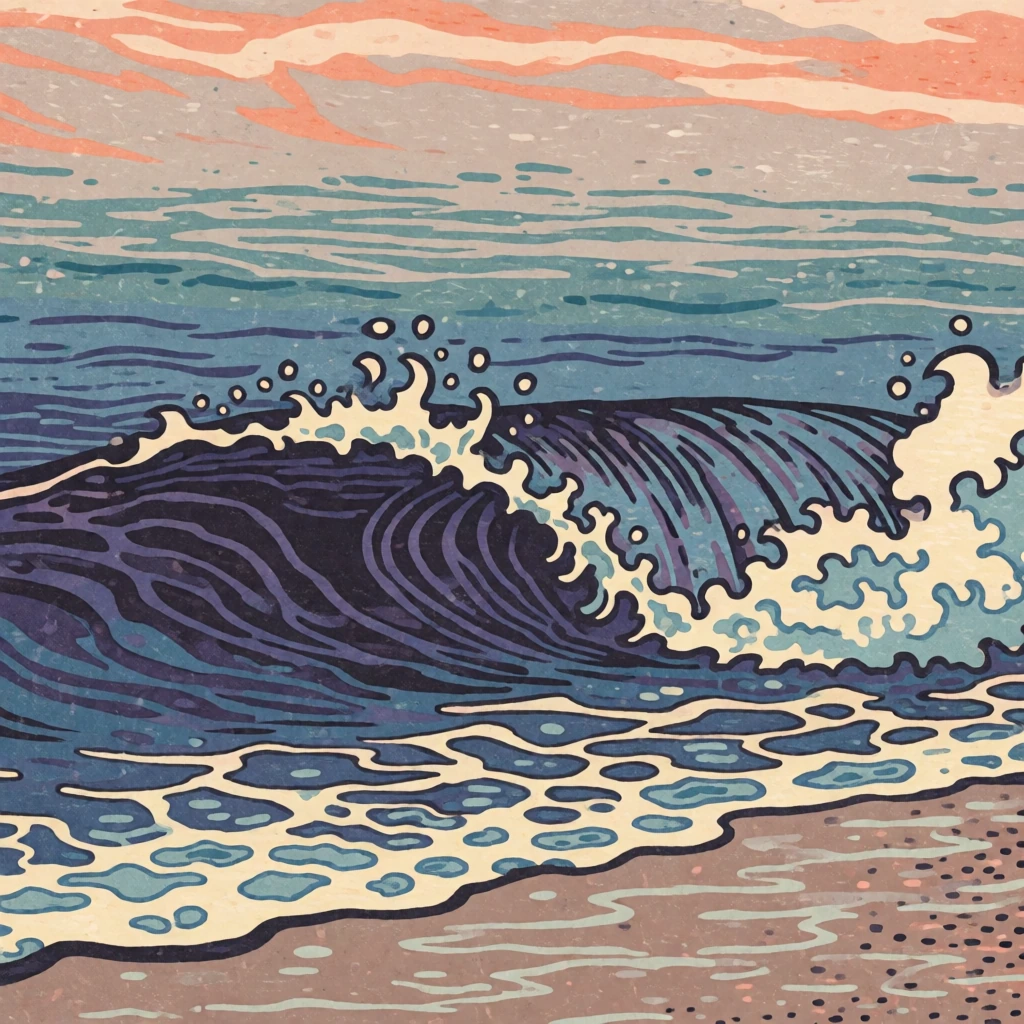
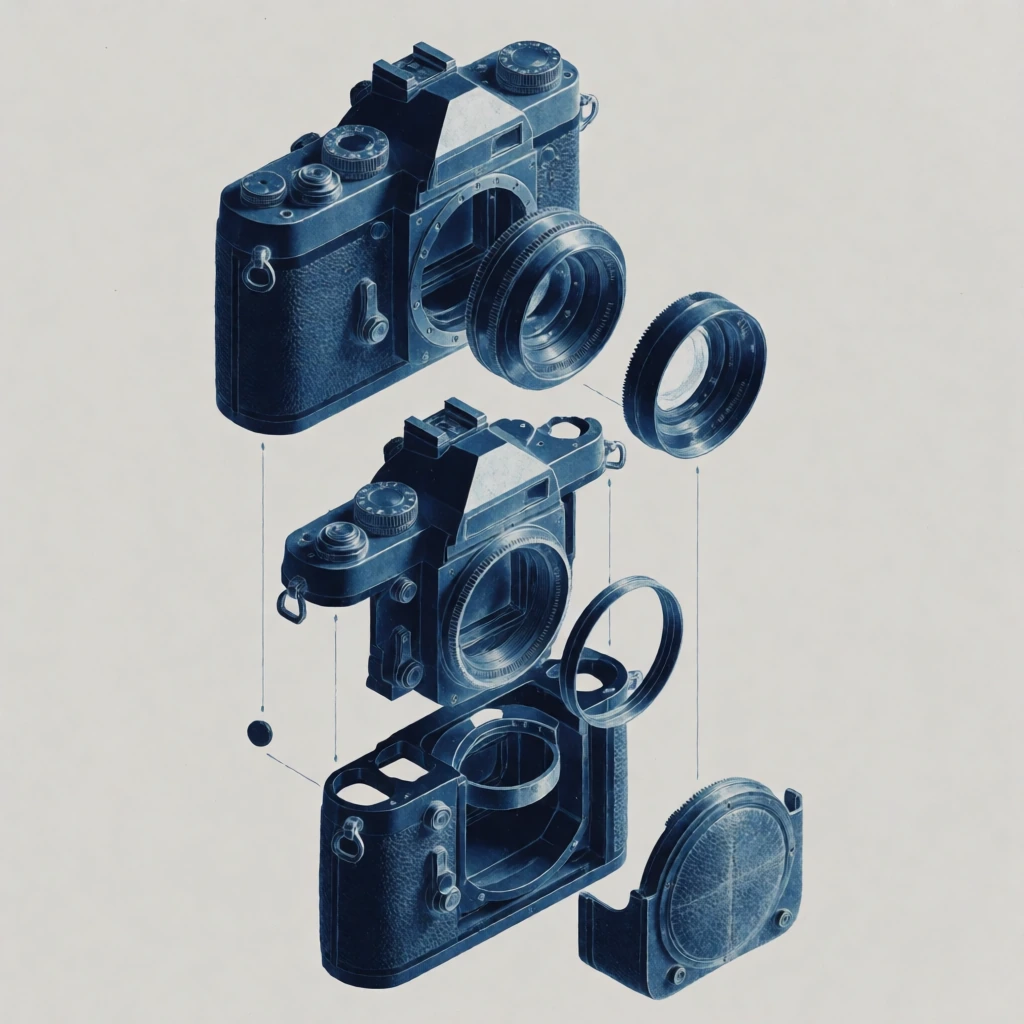
Each recipe asks for a visible target state and names the elements that should stay fixed. Replace the bracketed slots with details from your source image.
Replace the flat light with [direction, hardness, color]. Keep subject placement, camera, horizon, and framing identical.Change only the time to [dawn, blue hour, night]. Preserve every building, opening, surface, and camera position.Re-render the whole image as [gouache, cyanotype, ink]. Keep every contour, object, and spacing unchanged.Recolor the image to [named palette]. Keep all outlines, field boundaries, typography, and layout unchanged.Change only [target surface] from [old material] to [new material]. Preserve its shape, seams, scale, and reflections elsewhere.Remove [single object]. Reconstruct the surface behind it consistently. Keep all other objects and the crop unchanged.Add [object] at [precise position], matching the scene perspective, contact shadow, and light direction. Change nothing else.Replace the background with [plain surface or setting]. Preserve the subject outline, pose, scale, and edge detail.Change only the environment to [season and weather]. Keep architecture, camera, path geometry, and main colors recognizable.Remove dust, dents, fingerprints, and stray reflections from [product]. Preserve label geometry, material finish, and lighting direction.Change only the garment from [old color] to [new color]. Preserve fabric texture, folds, body, face, pose, and background.Create a variation of surface detail and small props while keeping the main subject, silhouette, viewpoint, negative space, and crop fixed.Download the wildcard pack, or use the starter graph to render a prompt in ComfyUI.