Anchor the camera
Say where the camera stands and whether the view is frontal, corner-to-corner, low, or elevated.
Spatial image prompts
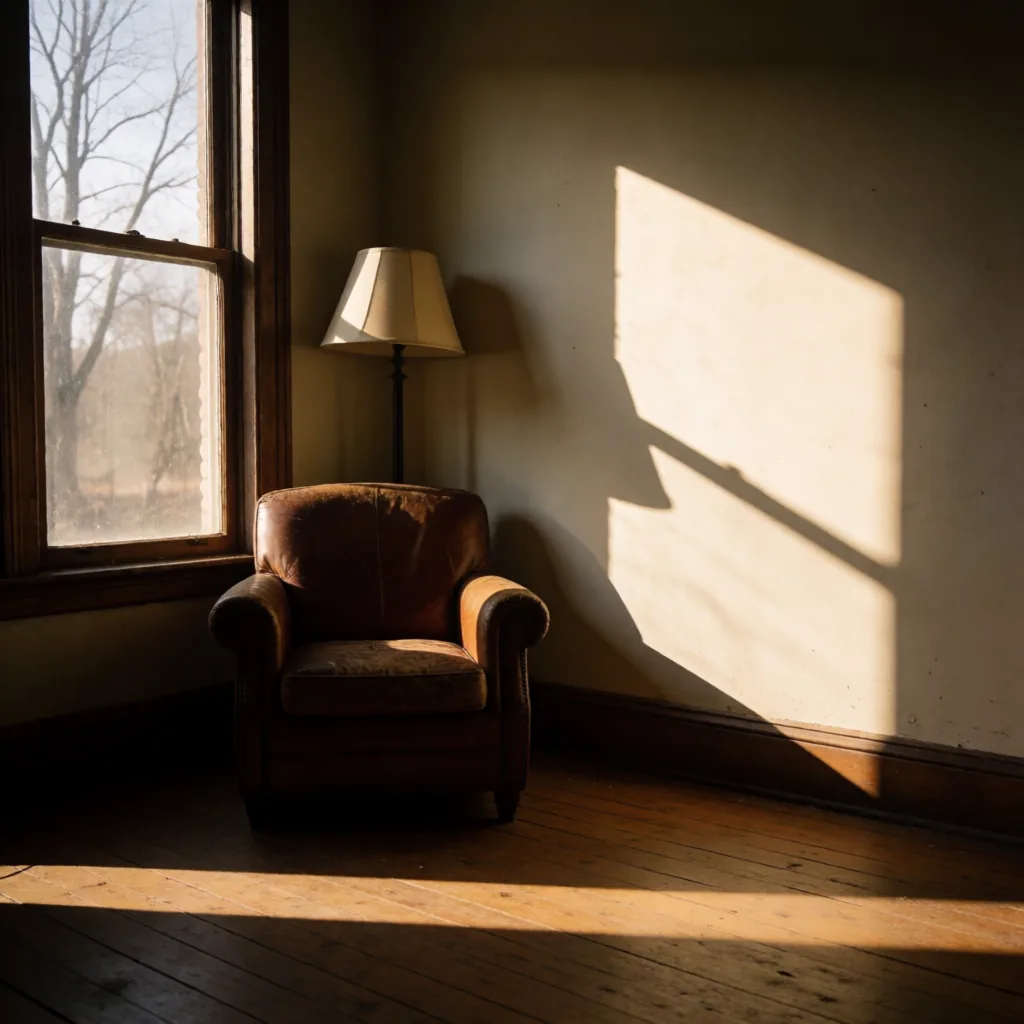
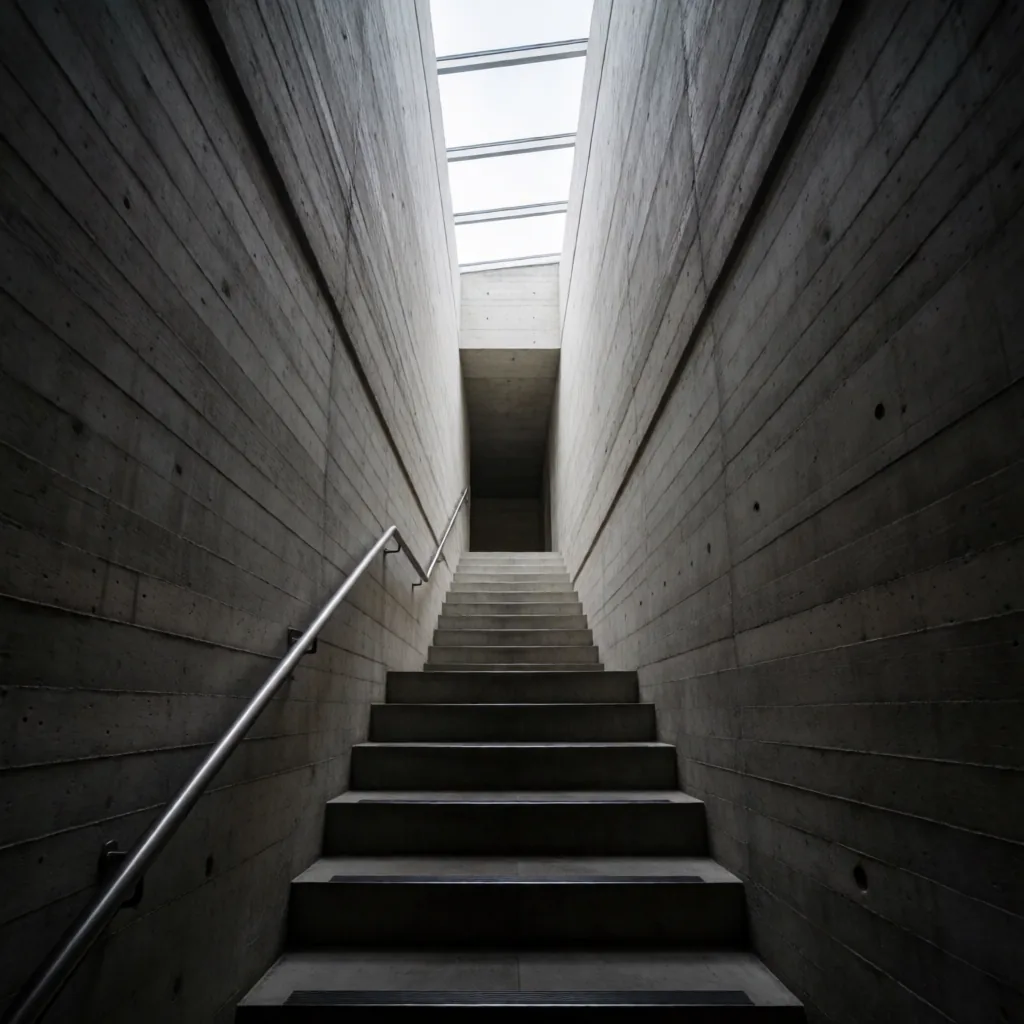
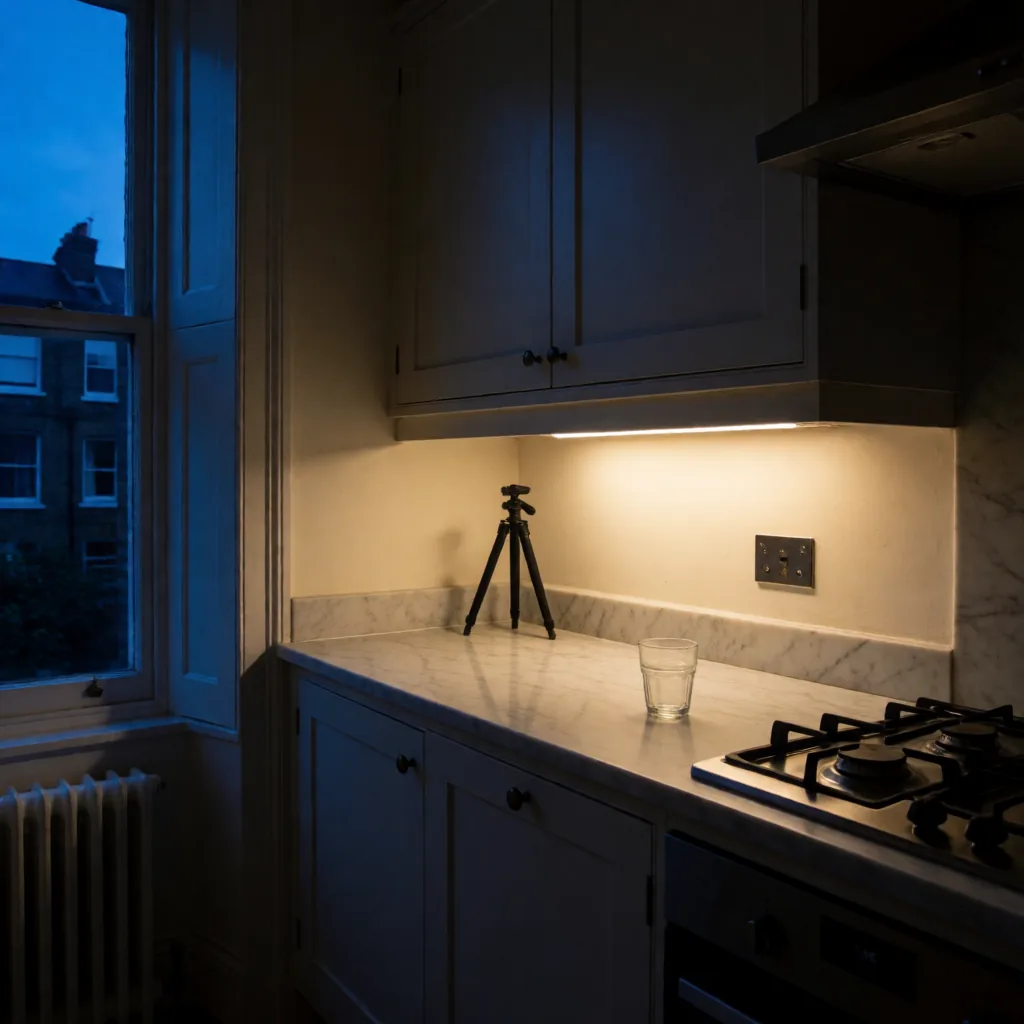
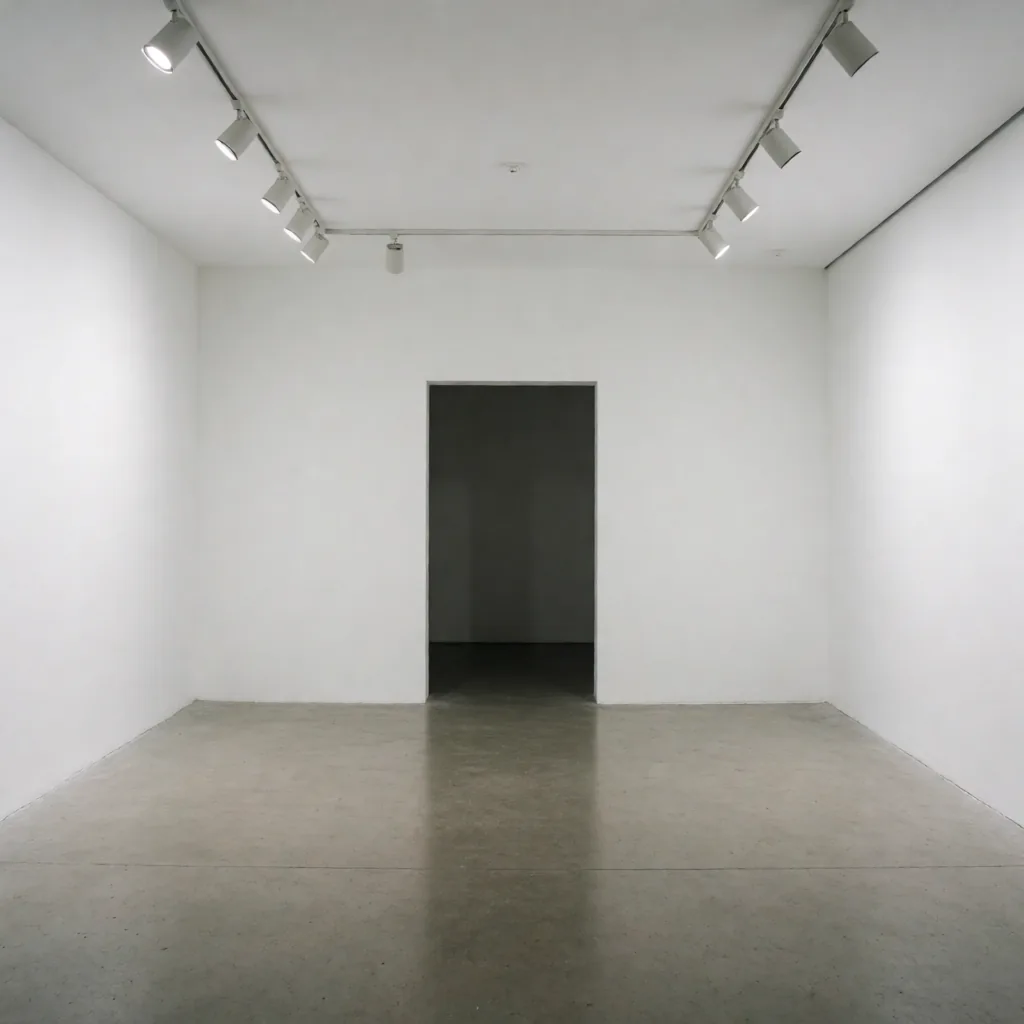
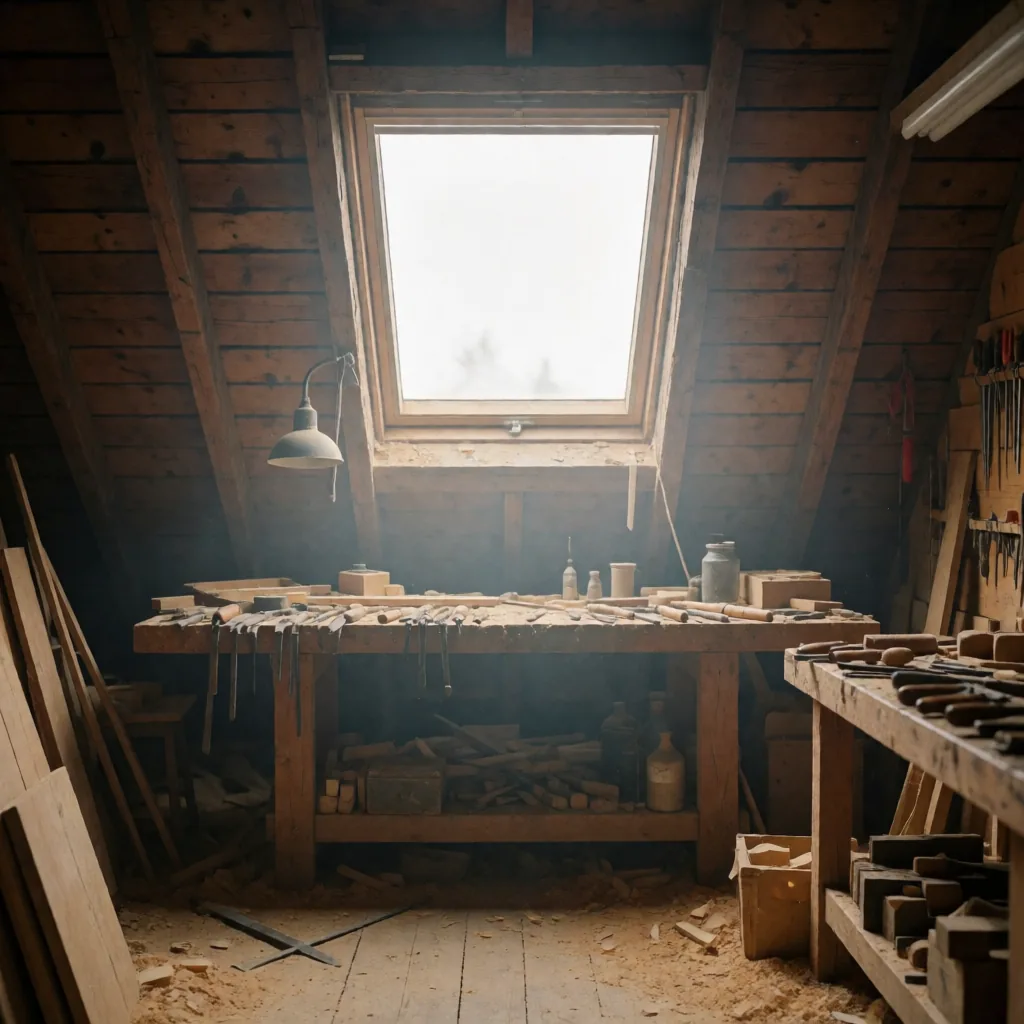
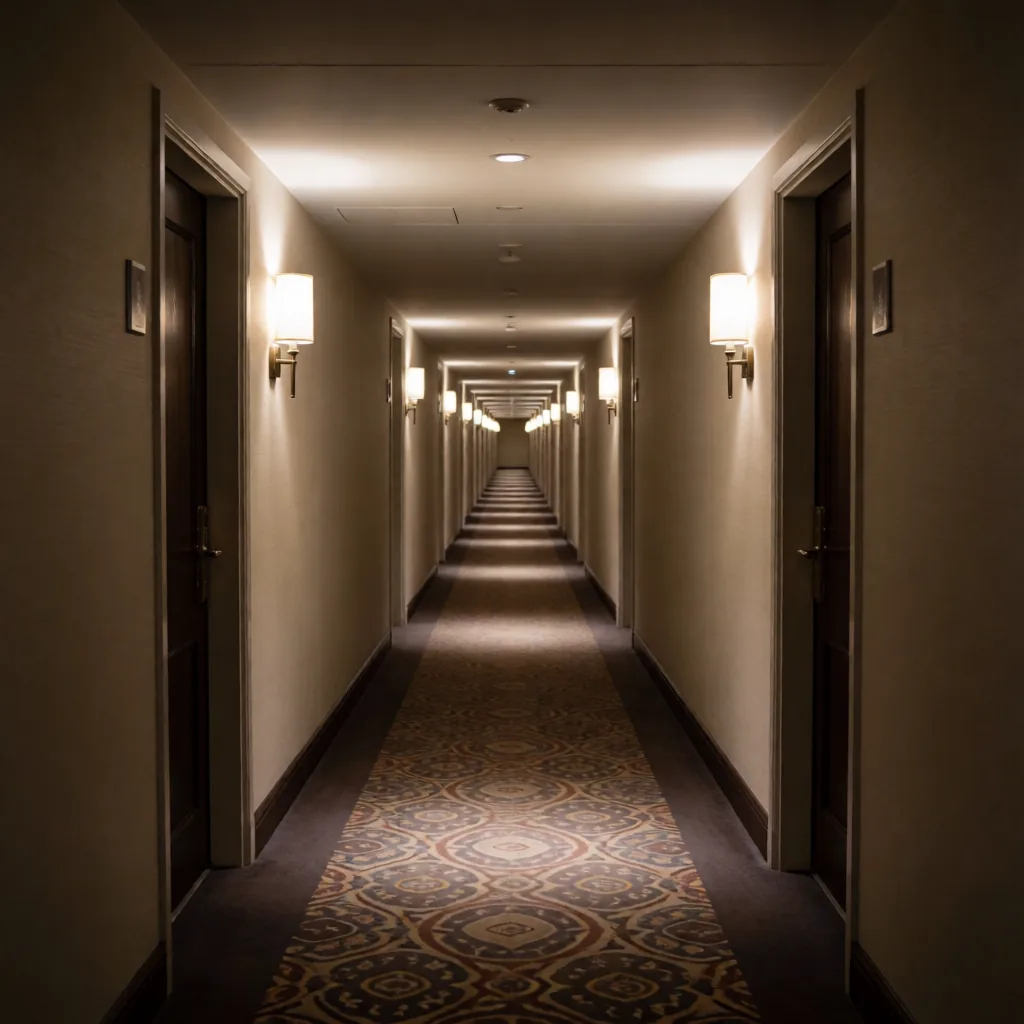
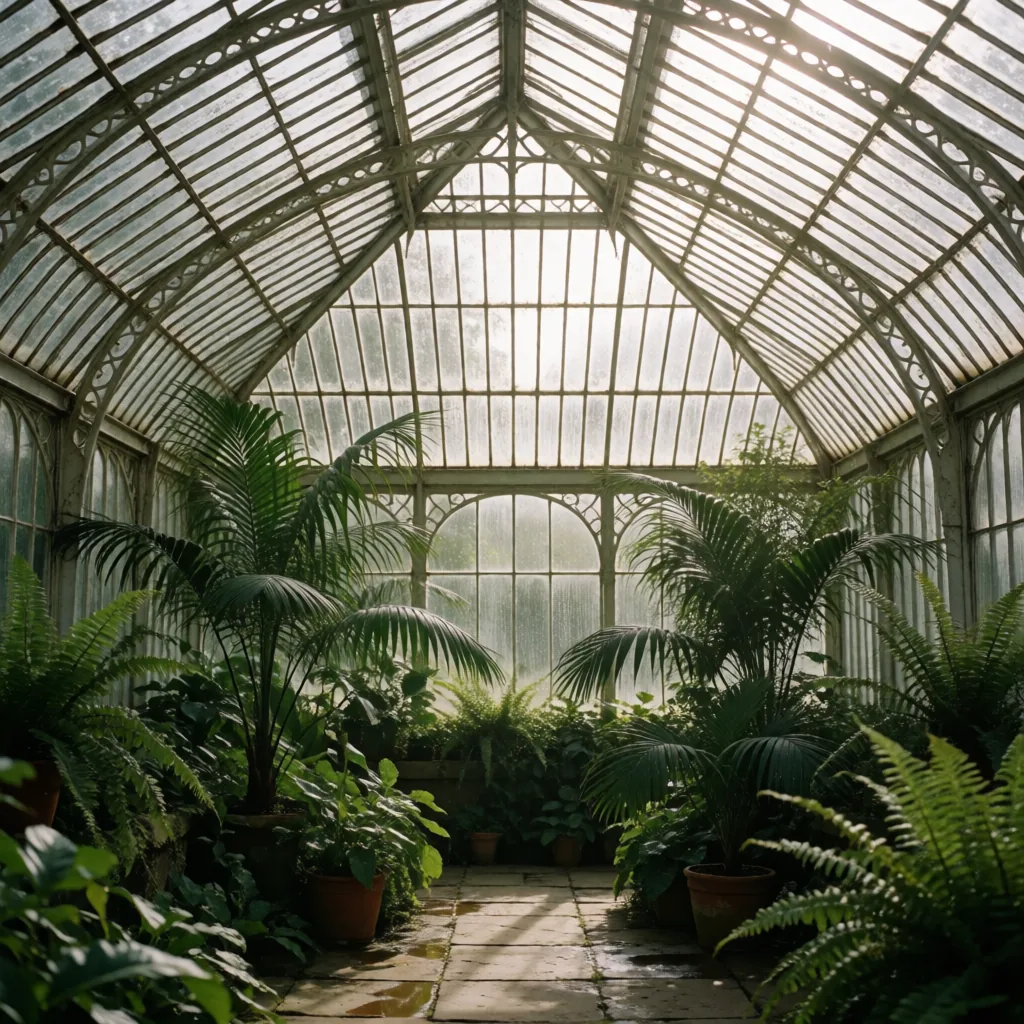
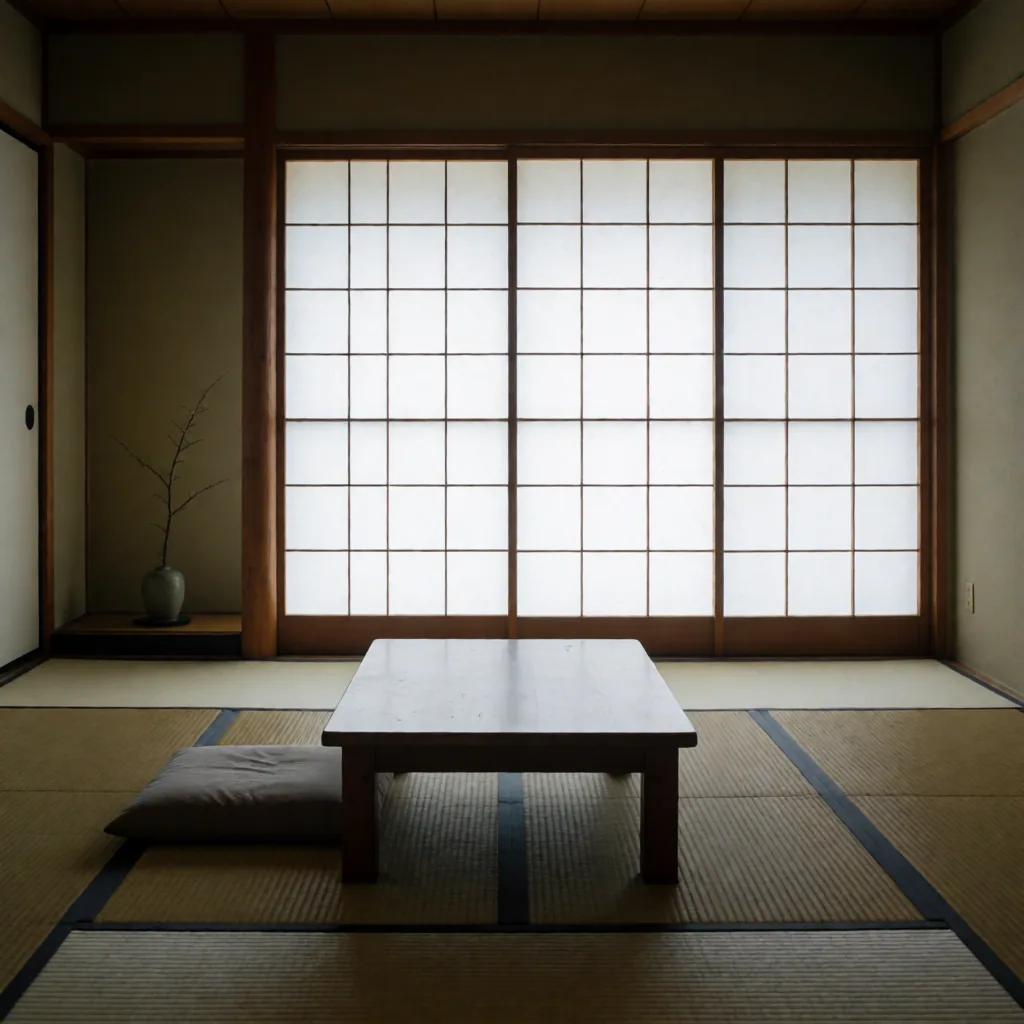
Copy Krea 2 Turbo prompts for interiors, materials, architectural exteriors, daylight, night scenes, and camera placement.
Start with the part that defines the image, then move from the large composition to visible surface detail. The order below is short enough to edit without losing track of the variable you changed.
Say where the camera stands and whether the view is frontal, corner-to-corner, low, or elevated.
Name the few surfaces that define the scene so finishes do not compete for attention.
State the opening, direction, softness, and shadow length. Add people only when scale needs them.
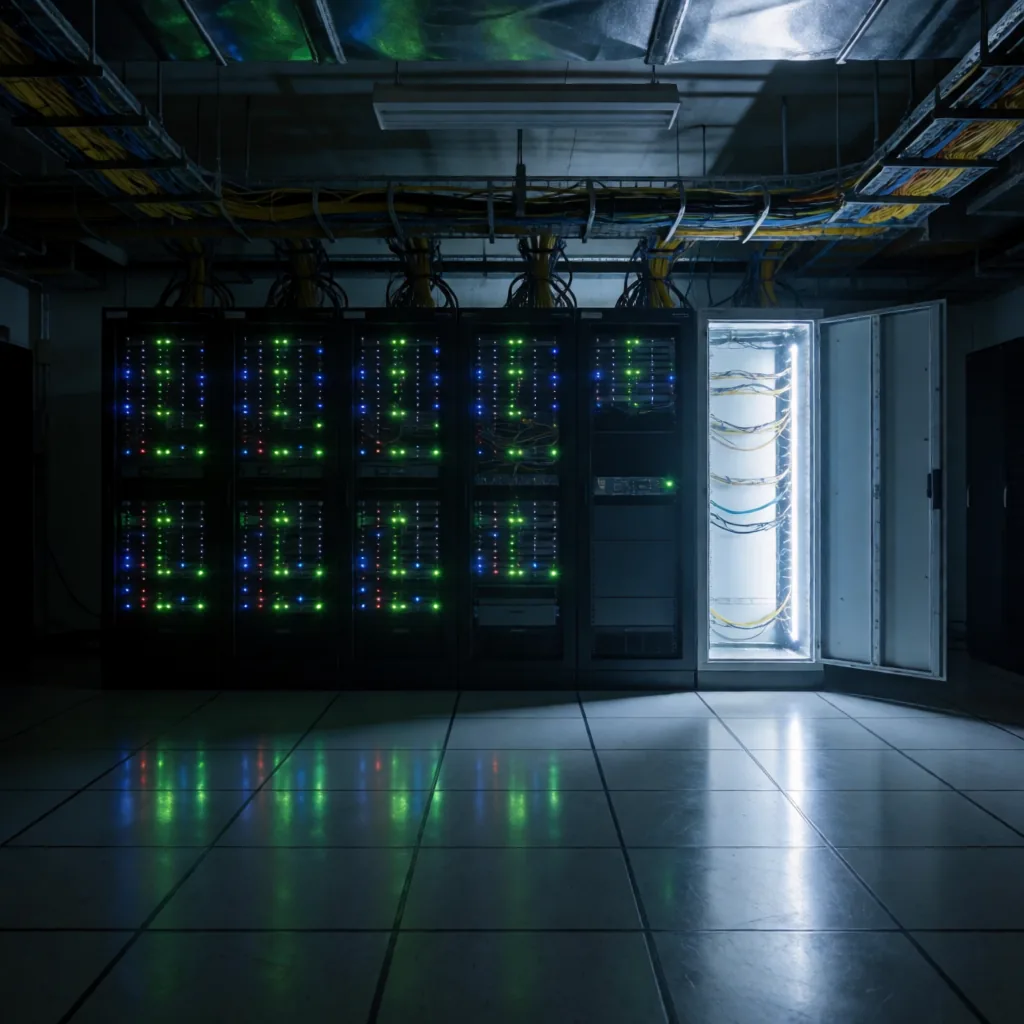
These are catalog entries with the exact prompt and generated output kept together. Copy a prompt, then change one clause at a time.
Download the wildcard pack, or use the starter graph to render a prompt in ComfyUI.