Name one hero object
Write the count, container type, material, and whether readable text should appear.
Commercial image prompts
Copy tested Krea 2 Turbo prompts for product photography, beauty packaging, studio light, materials, and commercial compositions.
Start with the part that defines the image, then move from the large composition to visible surface detail. The order below is short enough to edit without losing track of the variable you changed.
Write the count, container type, material, and whether readable text should appear.
Specify hard or soft light, its direction, and the shadow shape instead of naming studio equipment.
Give the surface, backdrop, camera angle, and only the supporting objects that should remain in frame.
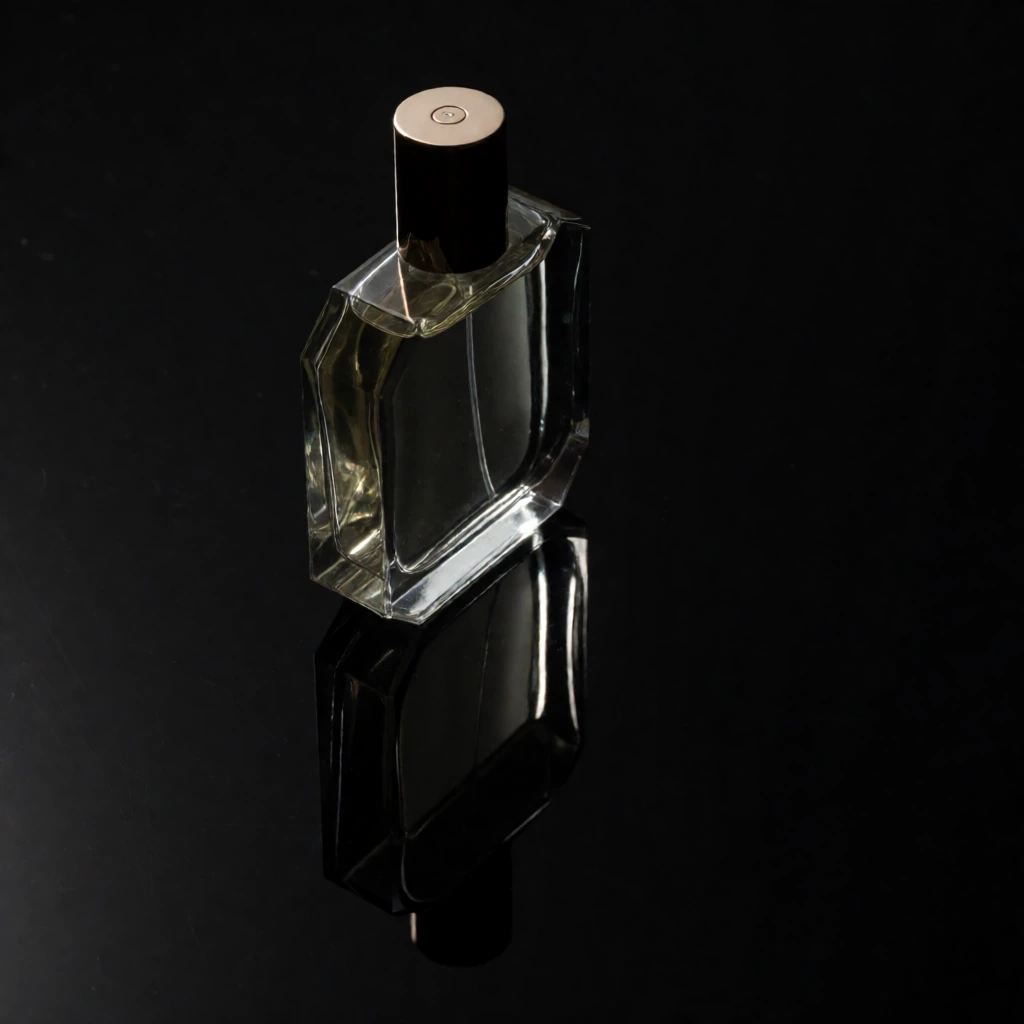
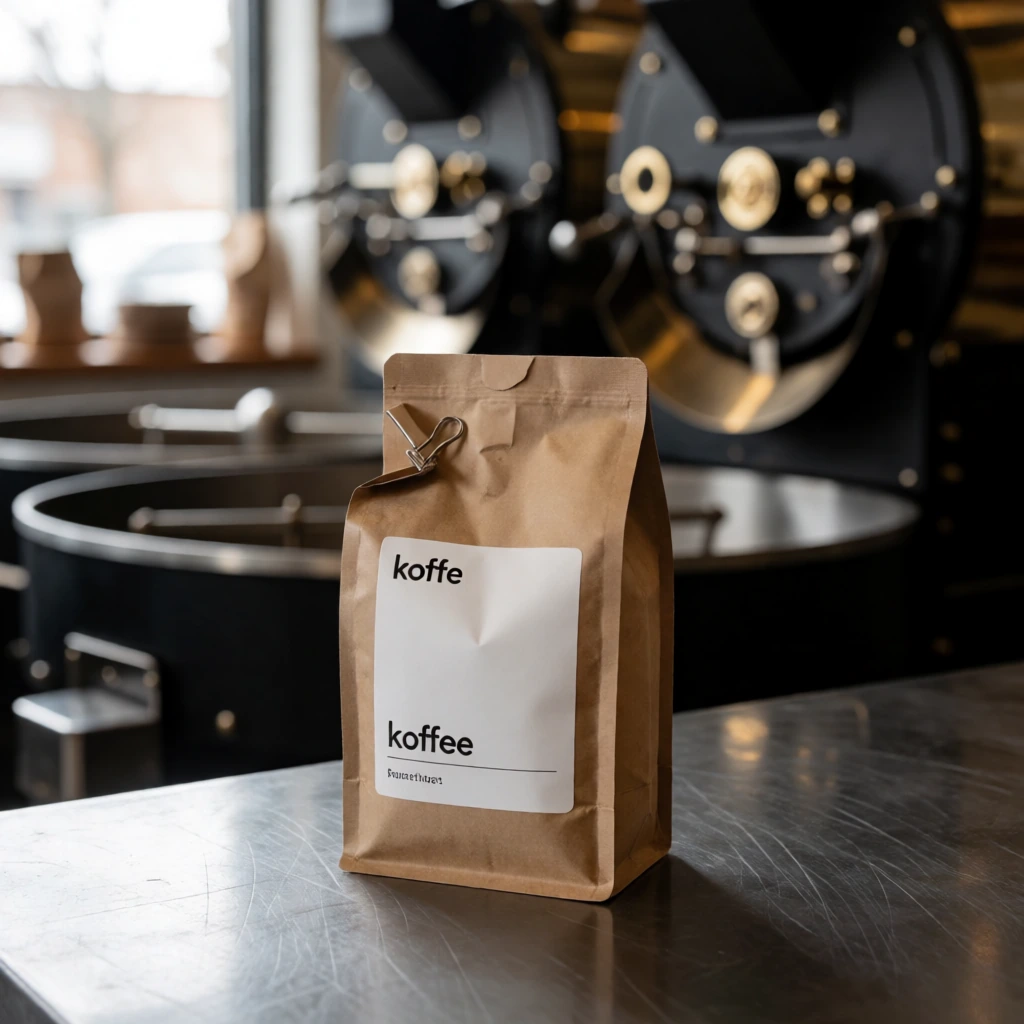
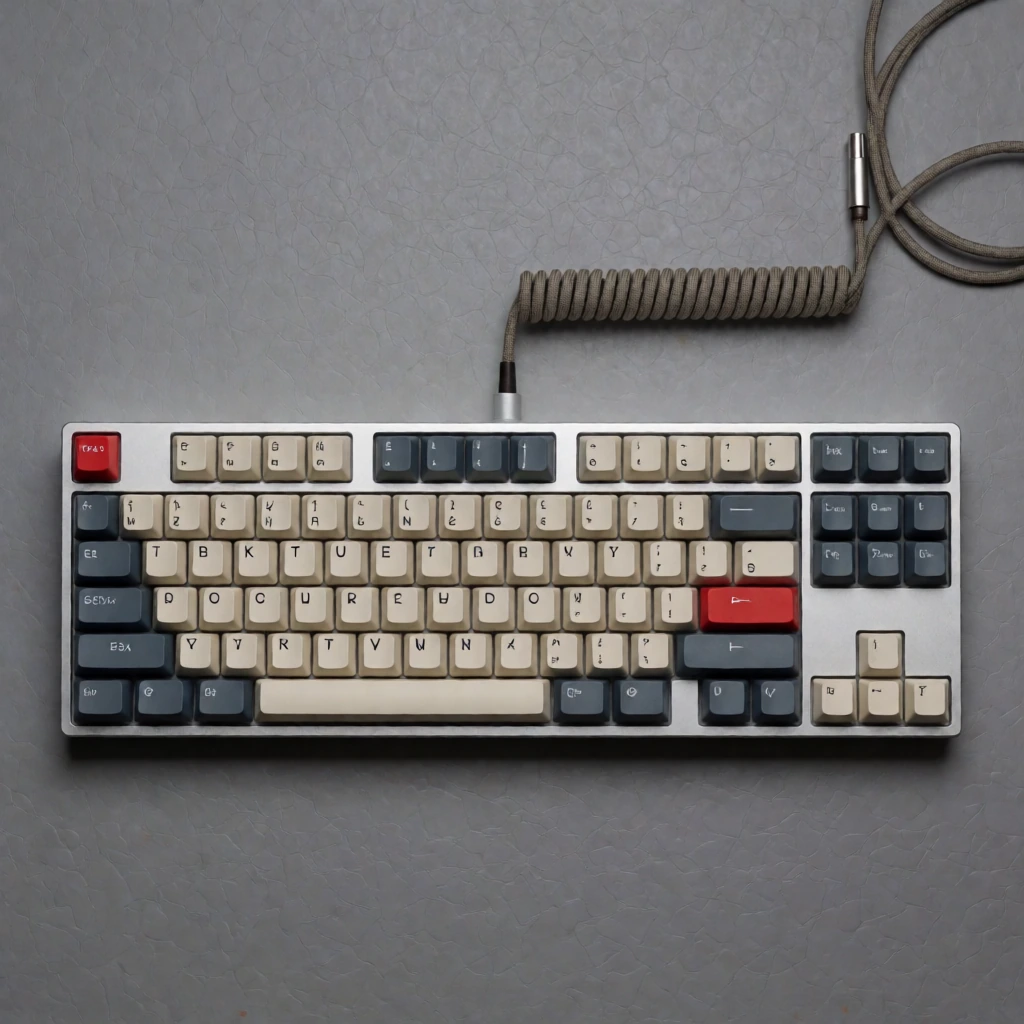
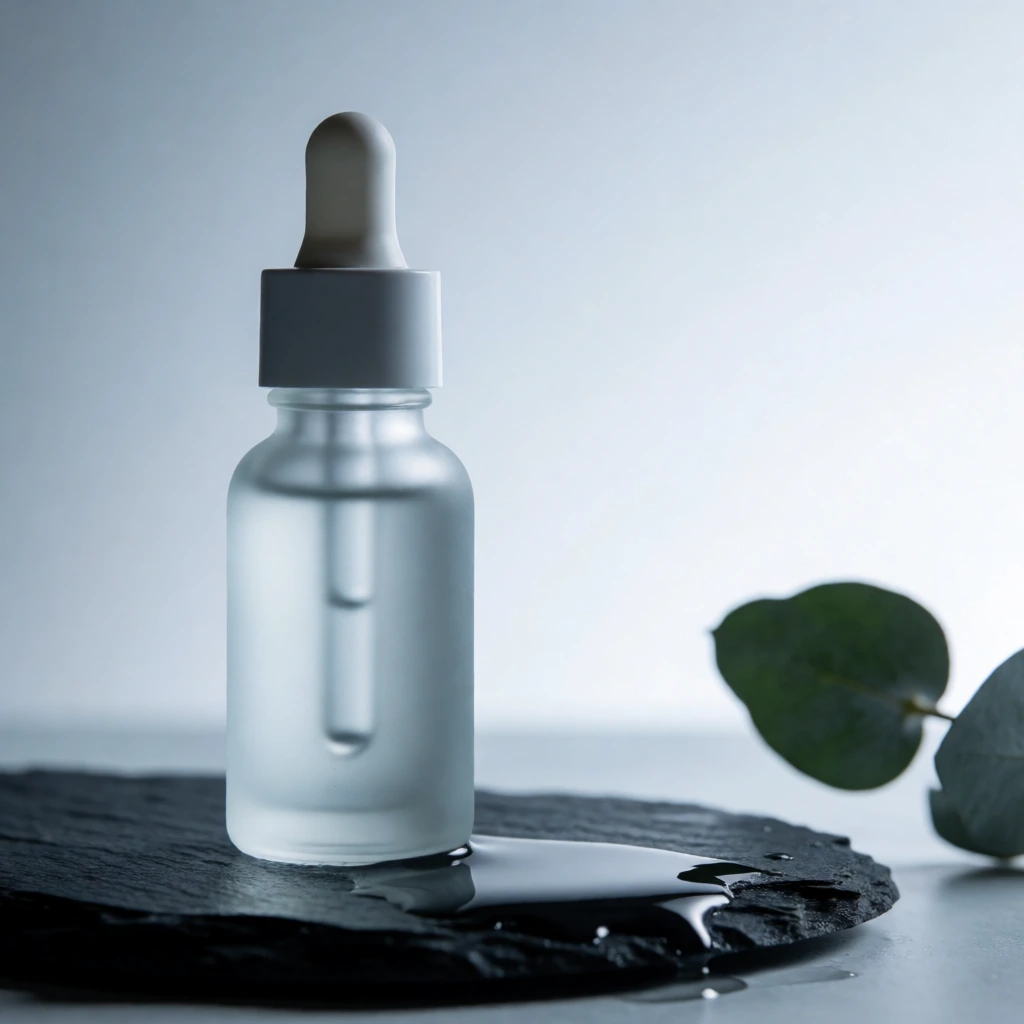
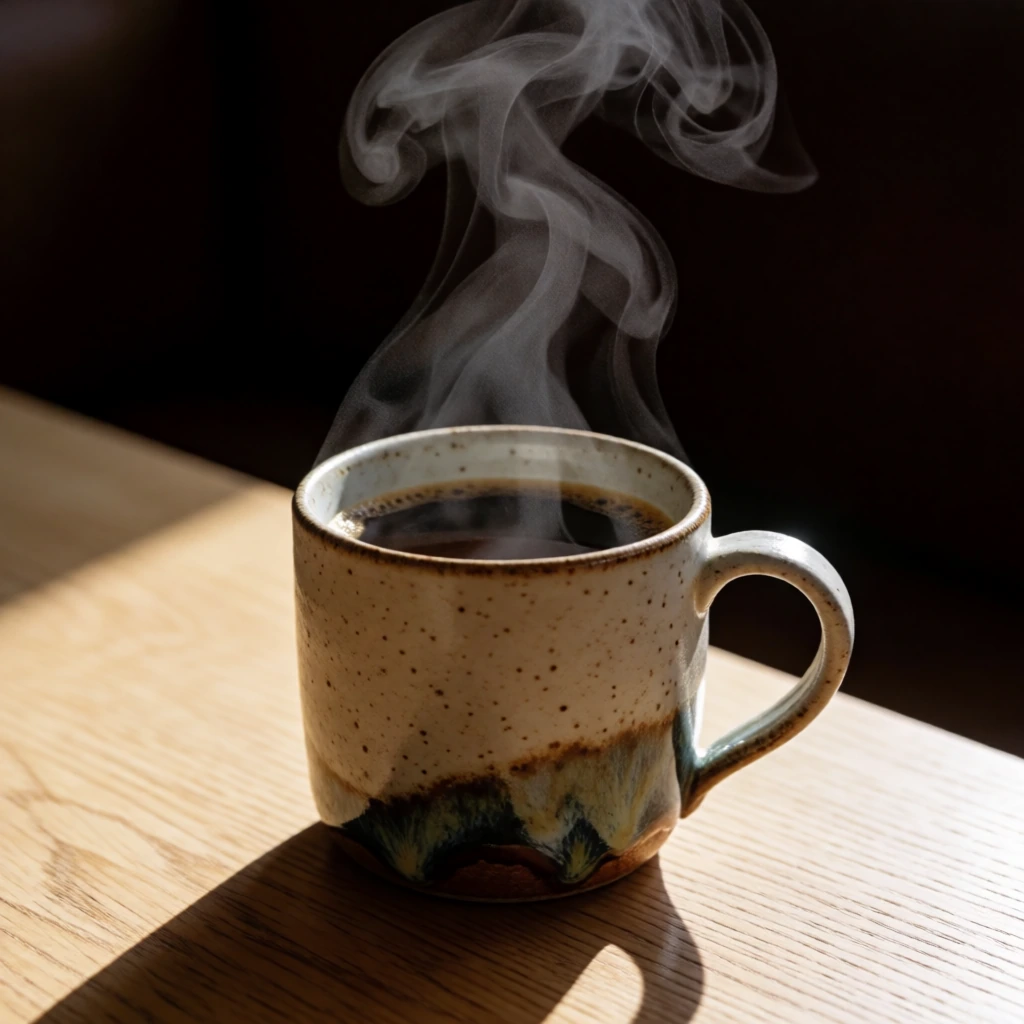
These are catalog entries with the exact prompt and generated output kept together. Copy a prompt, then change one clause at a time.
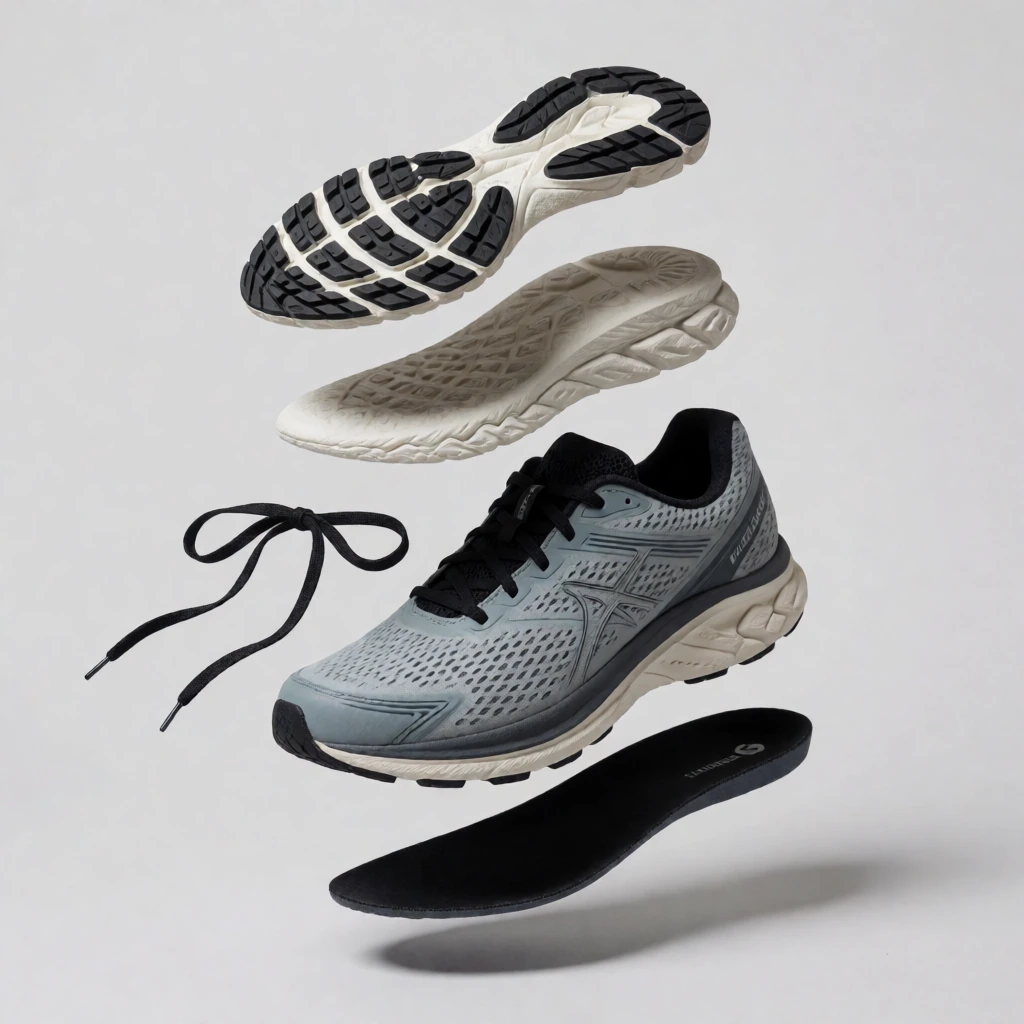
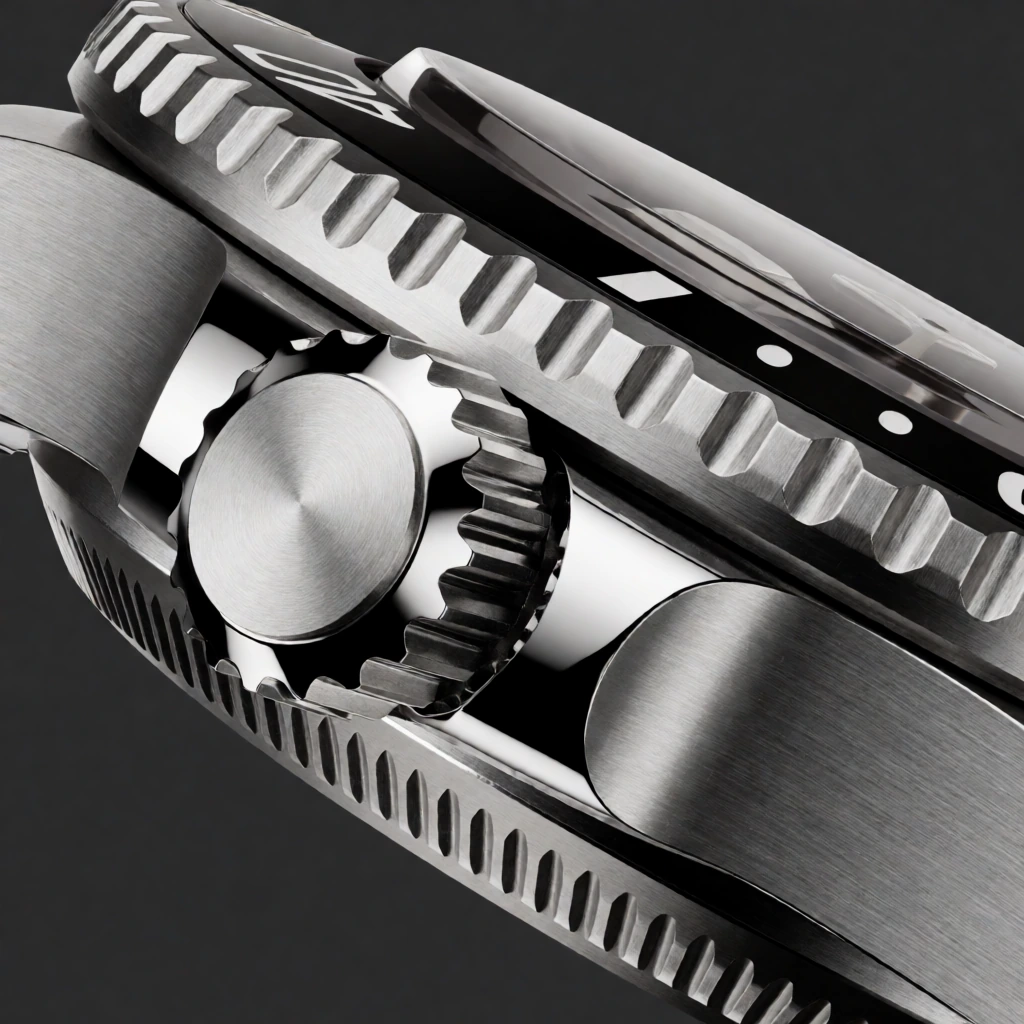
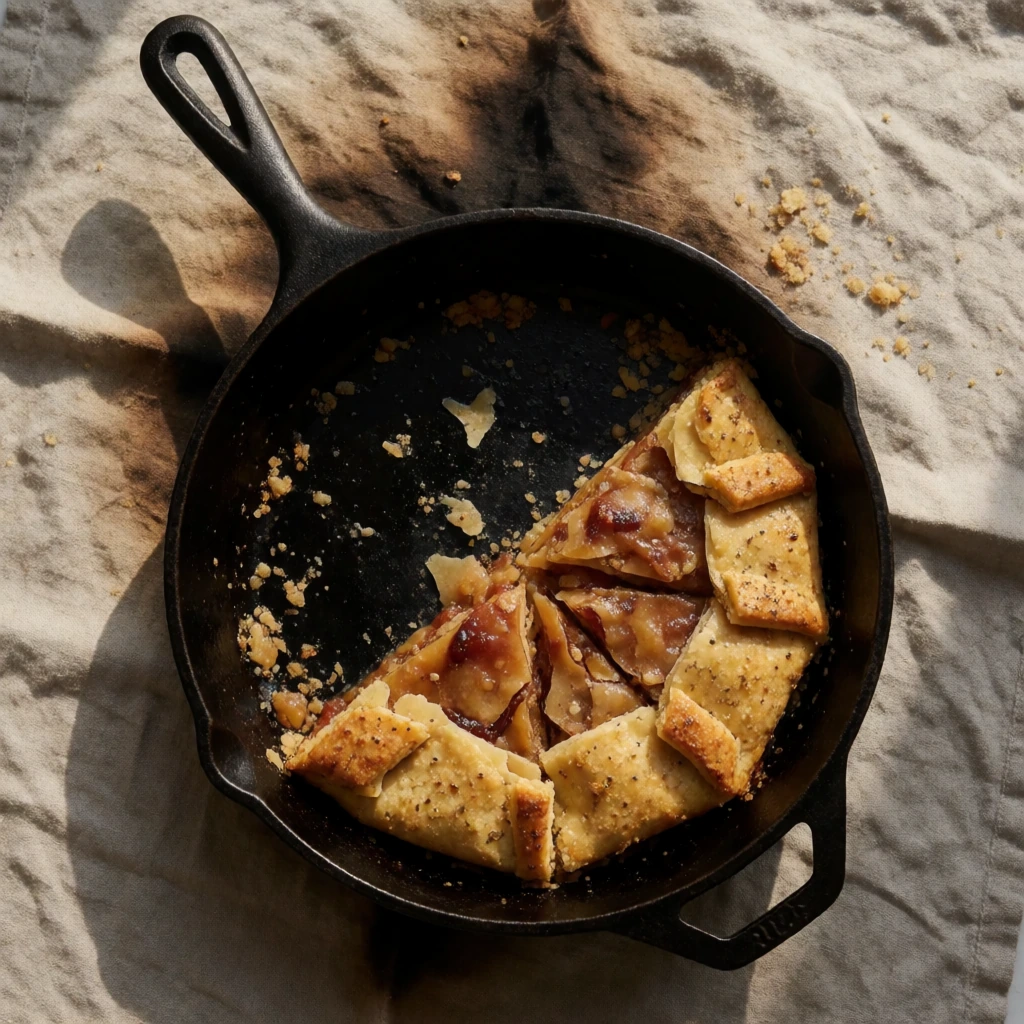
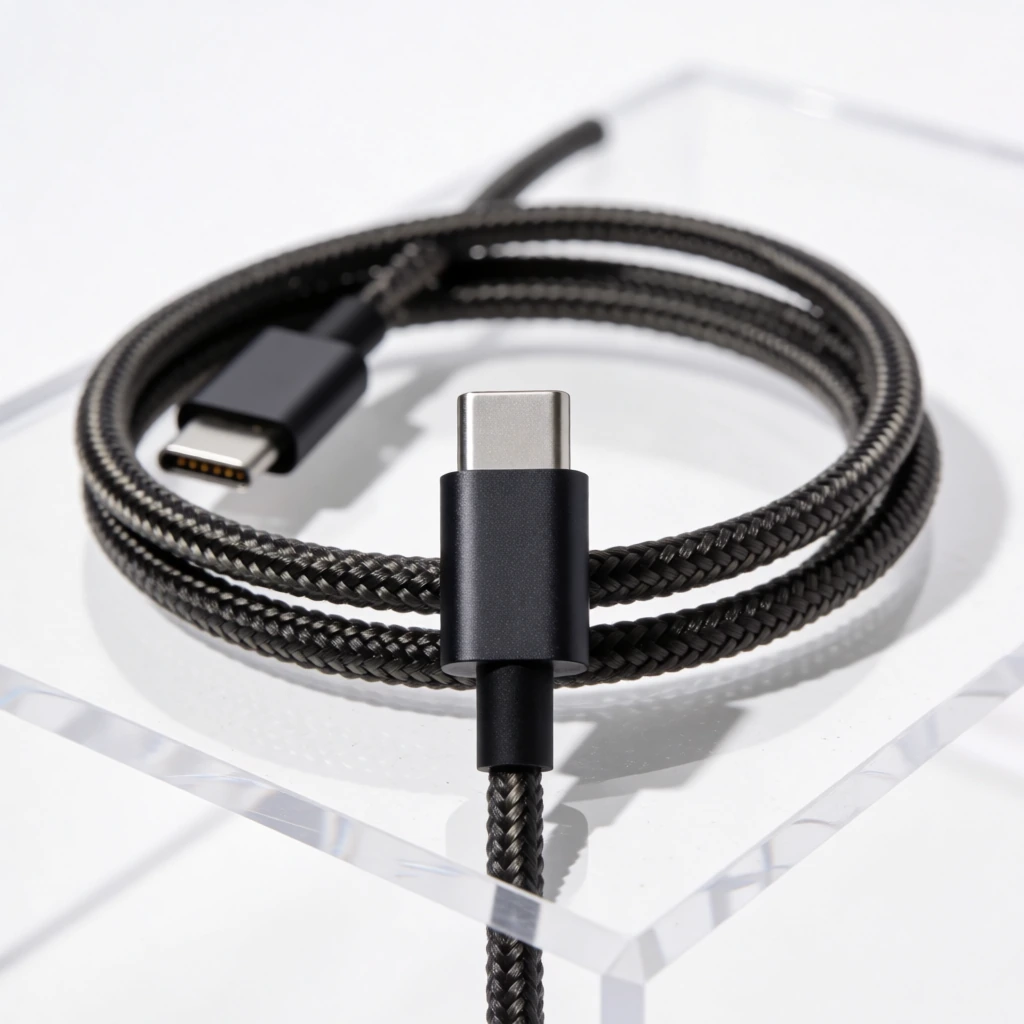
Download the wildcard pack, or use the starter graph to render a prompt in ComfyUI.