Write what can be seen
Use concrete nouns, positions, surfaces, and light behavior before mood words.
Prompt field guide
A practical Krea 2 Turbo prompt guide derived from hundreds of generated examples: order, text, light, style, counts, and constraints.
Start with the part that defines the image, then move from the large composition to visible surface detail. The order below is short enough to edit without losing track of the variable you changed.
Use concrete nouns, positions, surfaces, and light behavior before mood words.
If text matters, include each word exactly. Do not ask the model to invent labels or titles.
When a result misses, alter the failing clause instead of stacking more adjectives onto the whole prompt.
These are catalog entries with the exact prompt and generated output kept together. Copy a prompt, then change one clause at a time.
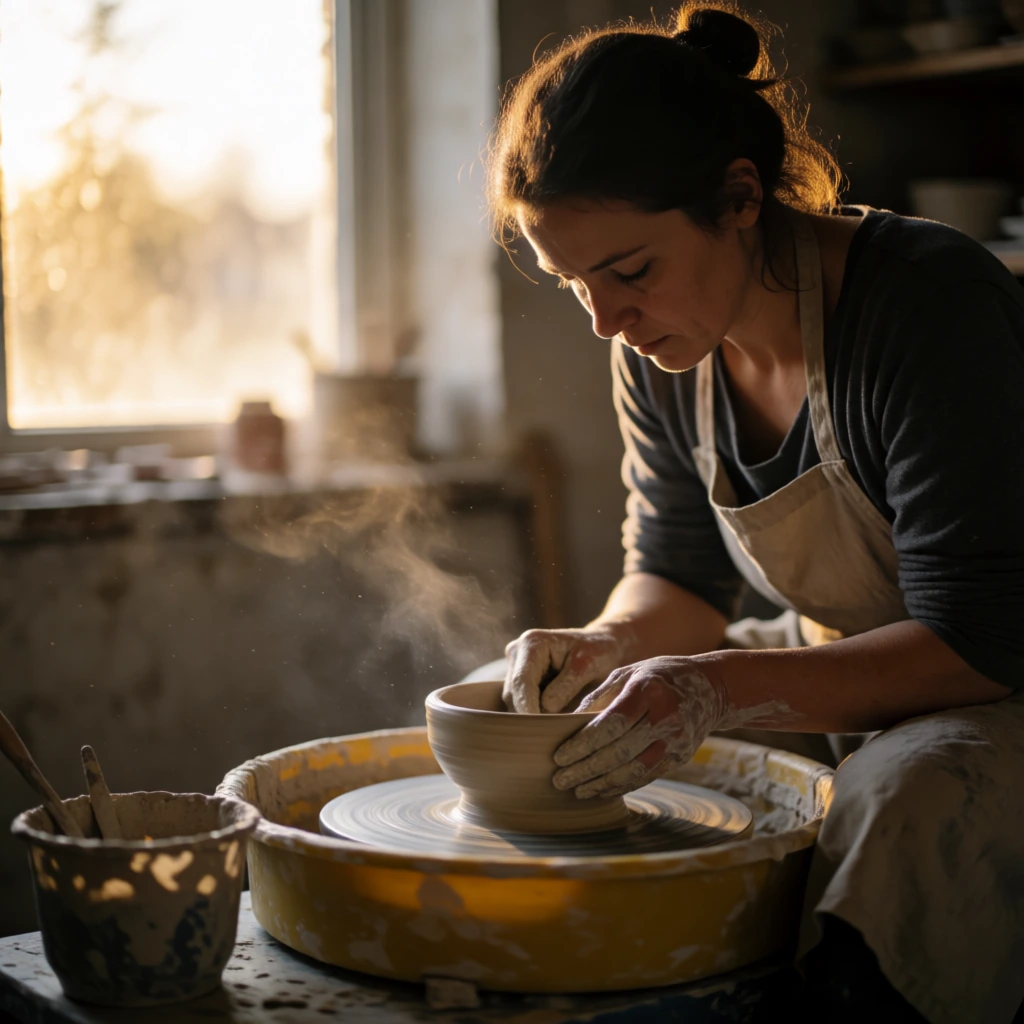
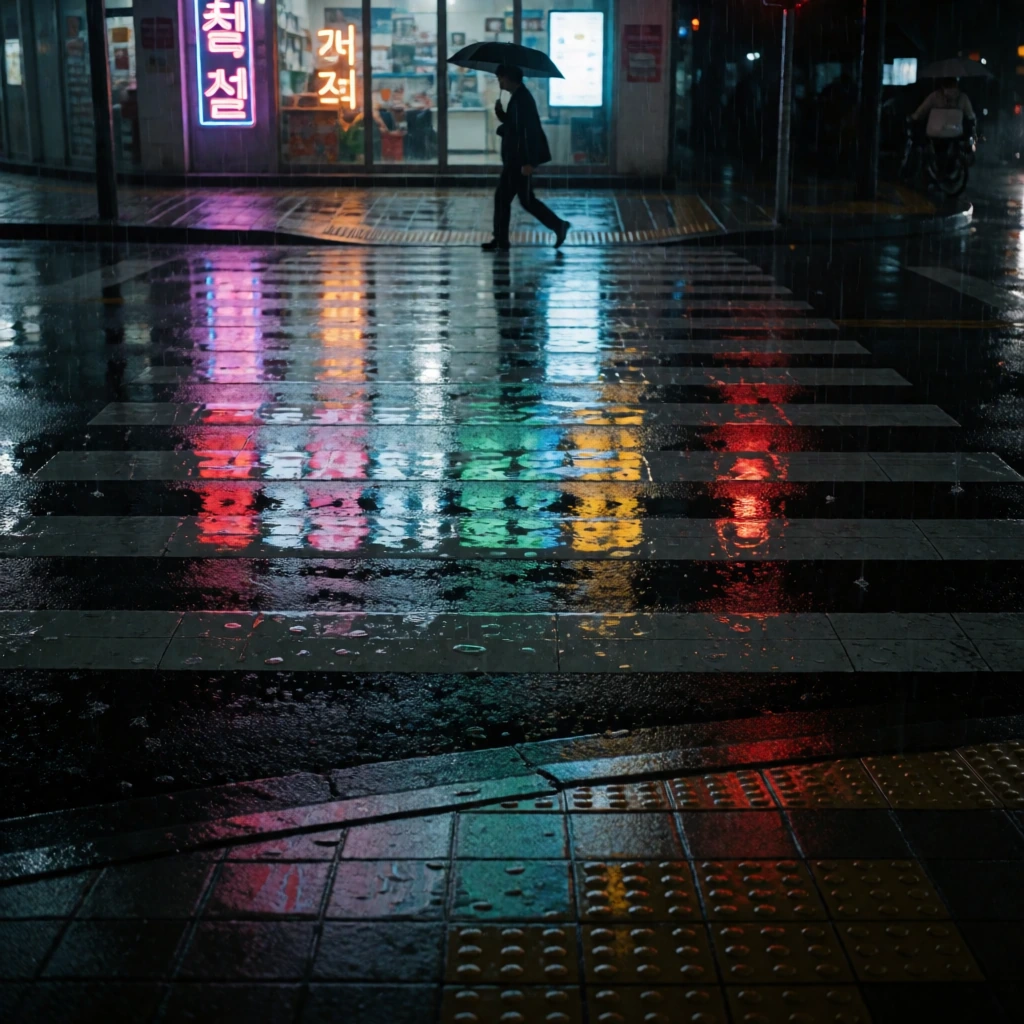
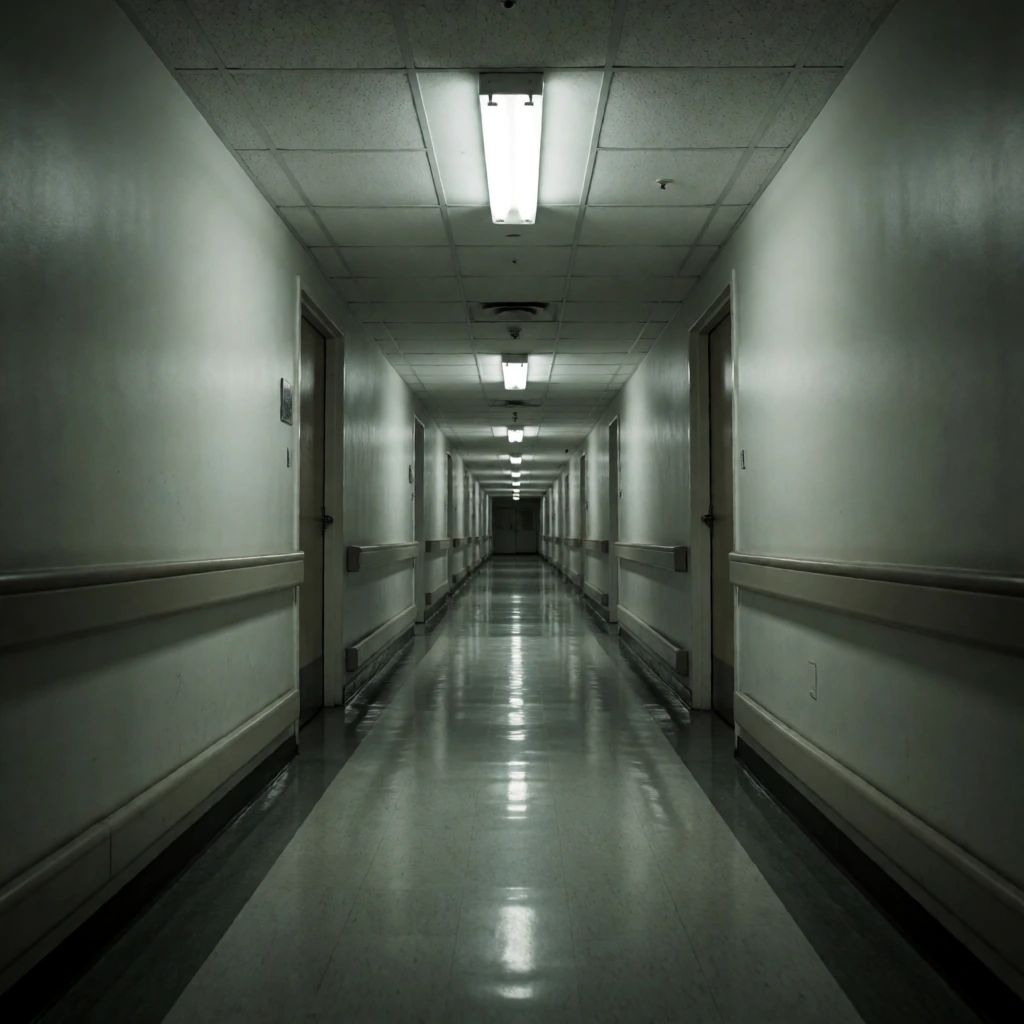
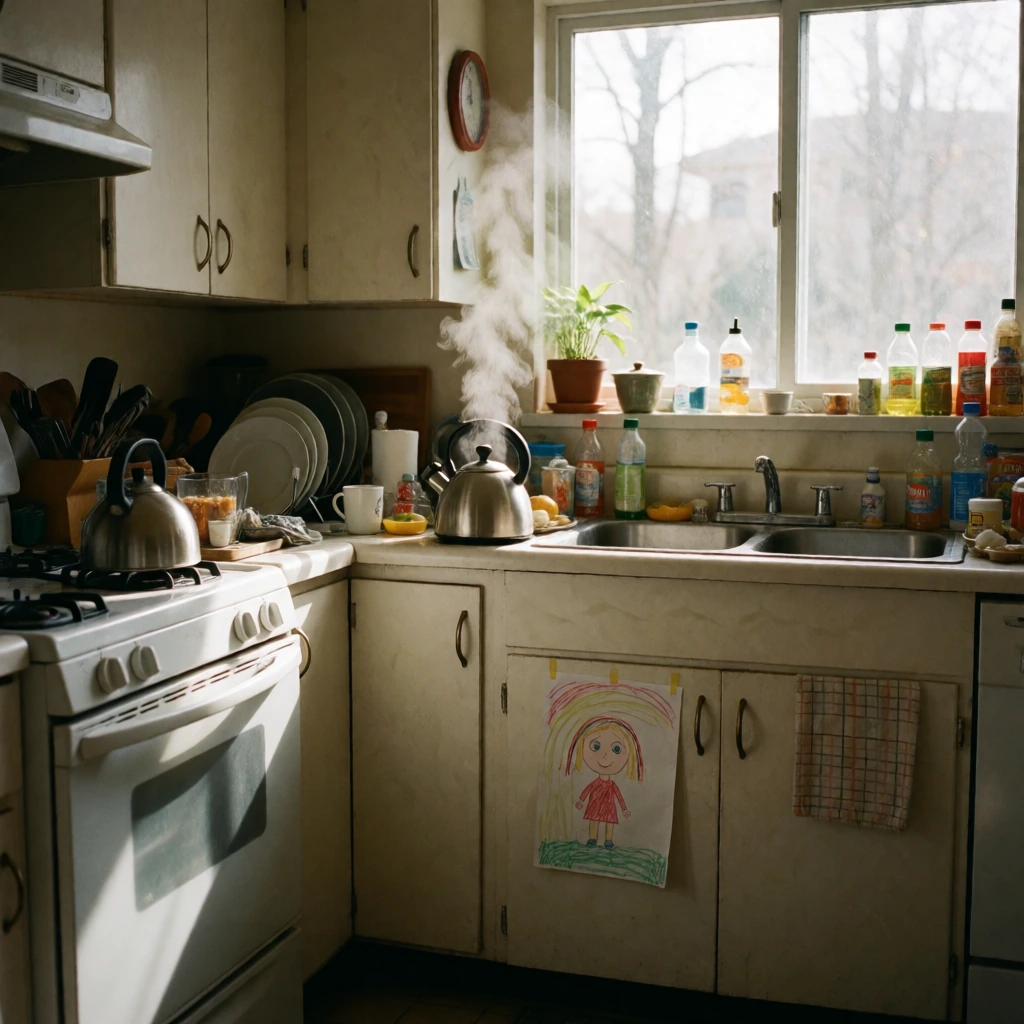
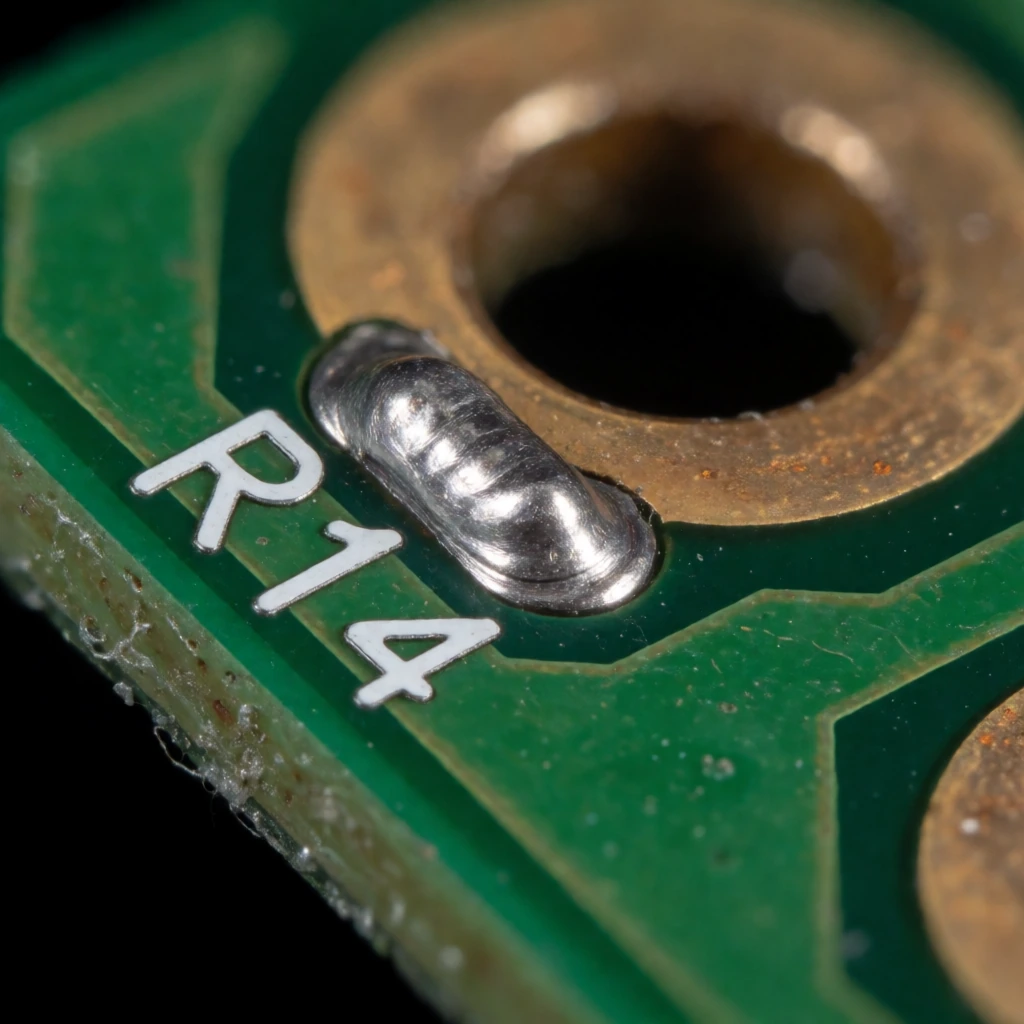
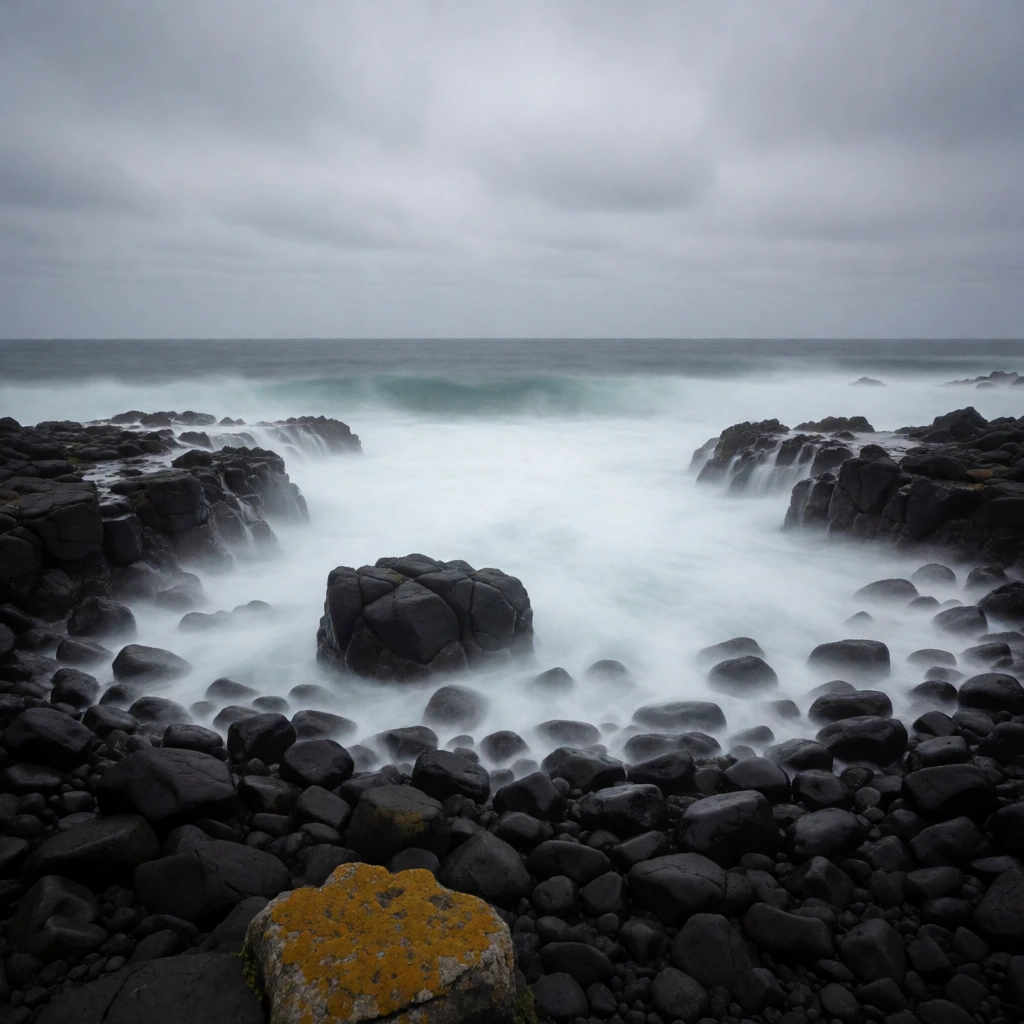
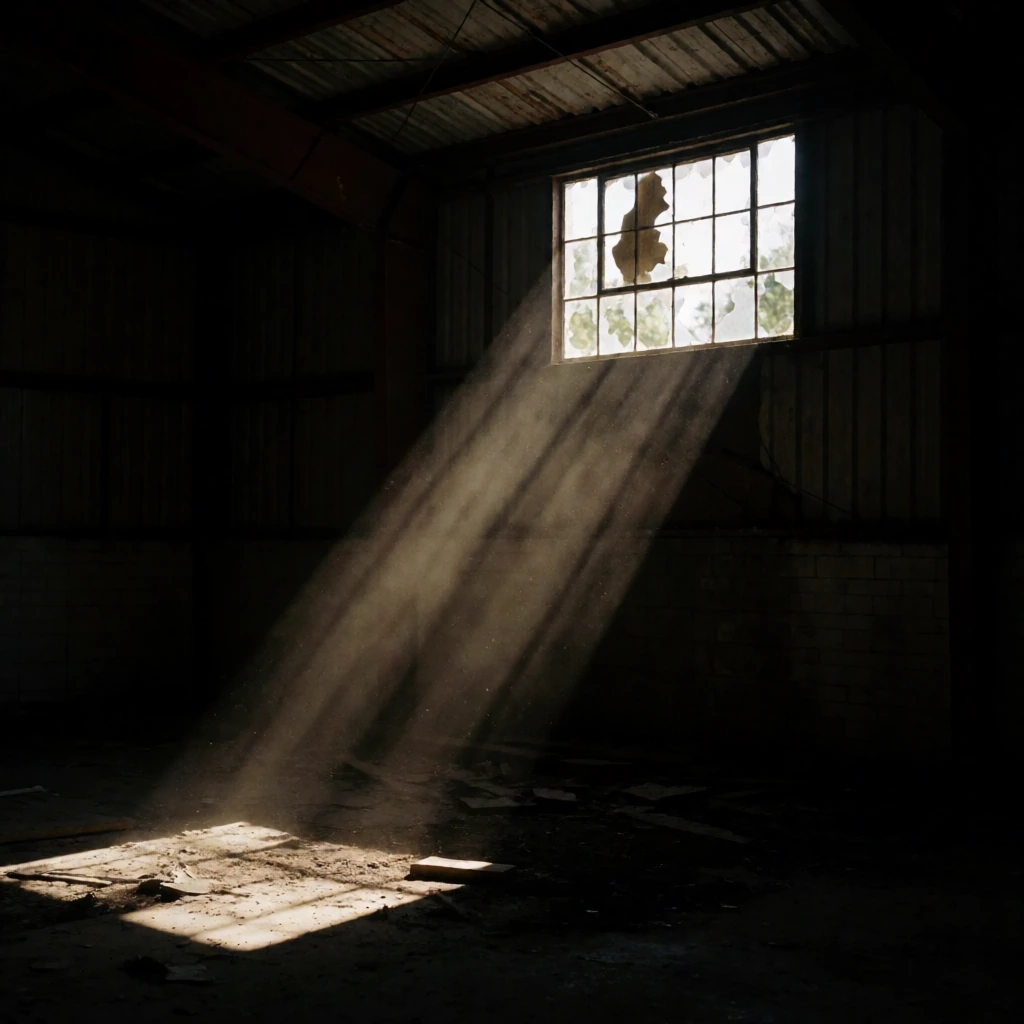
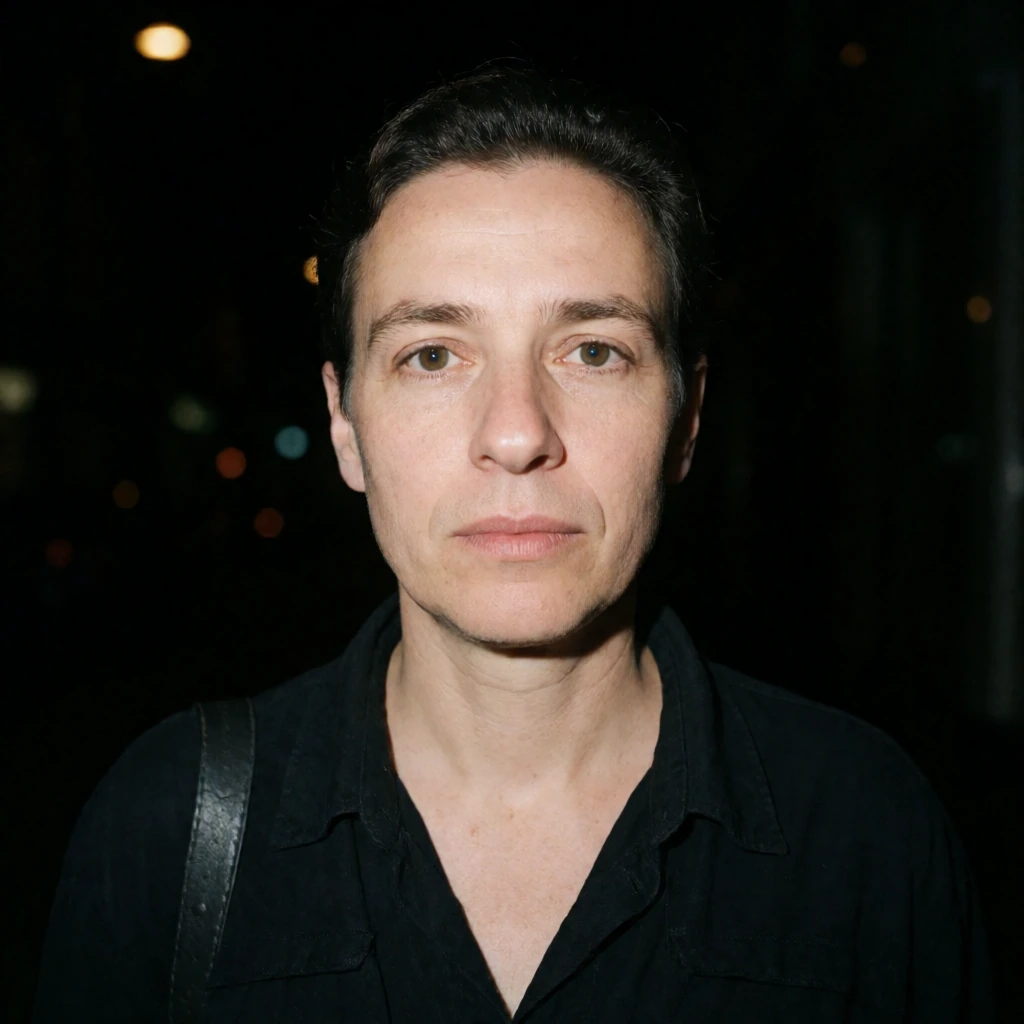

Download the wildcard pack, or use the starter graph to render a prompt in ComfyUI.